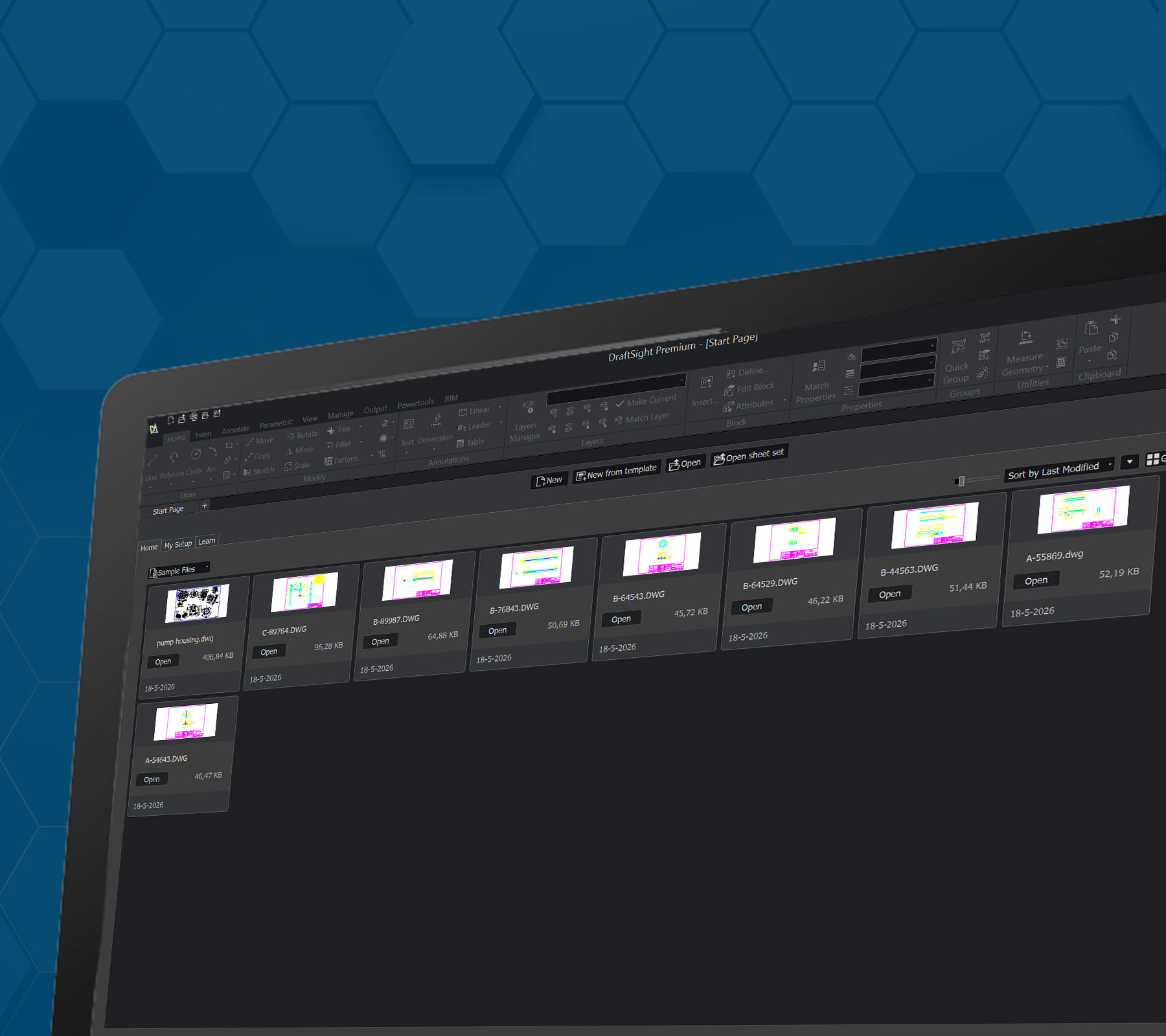
DraftSight: Setting Up the Interface
Switching from AutoCAD to DraftSight? This step-by-step guide covers workspace setup, interface colors, cursor settings, and Entity Snap so your 2D CAD environment feels familiar from day one.
Switching from AutoCAD to DraftSight? This step-by-step guide covers workspace setup, interface colors, cursor settings, and Entity Snap so your 2D CAD environment feels familiar from day one.

See how to maximize your productivity and create products better, faster, and more cost-effectively.

DraftSight offers flexible options for named-user, network, and even perpetual licensing.

DraftSight products are easy to learn, use and integrate into your workflow.