DraftSight Offers Flexible CAD Licenses

Frustrated with your current provider that keeps increasing the CAD license price? Discover flexible licensing plans that keep your productivity at a high-level, without increasing your CAD license cost.
Other CAD Providers are Reducing Licensing Options

This change will impact companies using network licensing, as they will now have to purchase individual licenses for all users, increasing costs substantially.
For example: a team of 30 previously relying on 6 network licenses now will need to purchase 30 individual licenses.
DraftSight offers flexible network solutions for your team's needs.
Making the Switch from Another CAD to DraftSight
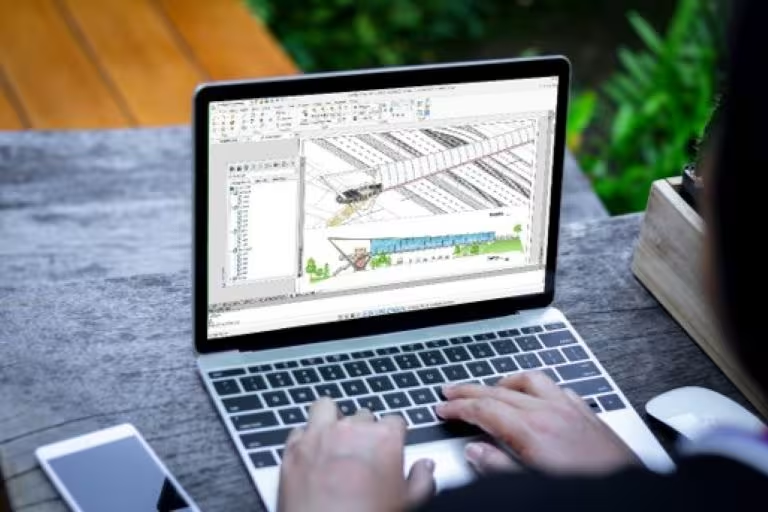
Why Use DraftSight? DraftSight offers flexible licensing options, allowing you to pool your network seats to keep your team properly licensed while maximizing resources.
DraftSight looks, feels, and performs like other CAD software, so you can transition smoothly and keep your productivity level up. Read the eBook on making the switch today and learn everything you need to know to be productive and transition quickly.
| DraftSight Professional | DraftSight Premium | DraftSight Enterprise | Other CAD Provider | |
|---|---|---|---|---|
Comprehensive 2D Drafting, Drawing, Documentation, and Annotation |  | | | |
External Drawing and Image References | | | | |
Smart Dimensioning | | | | |
Enhanced DWG Comparison | | | | |
PDF Underlay and Export | | | | |
DNG Import and Underlay | | | | |
API’s (C++, C#, VB.net, VBA, JavaScript) | | | | |
LISP | | | | |
Macro Recording | | | | |
Power Trim | | | | |
Image Tracer: Convert Raster Images to DWG | | | | |
| G-Code Generator | | | | |
| Layer Preview | | | | |
| TB Layers | | | | |
| ToolBox | | | | |
| BIM Module |  | | | |
| Parametric Constraints | | | | |
| 3D Solid, Surface and Mesh Modeling | |  | | |
| 3D Navigation (Orbit, ViewCube, Wheel) | |  | | |
| Sheet Set Manager | |  | | |
| PDF Import for One File or Batch | |  | ||
| Network Licenses Available with Enterprise Options | | |||
| ||||
 Functionalities are available in Premium and Enterprise Plus only.
Work Smarter. Not Harder.
Expand access, reduce your CAD license cost, without sacrificing productivity with DraftSight.