

DraftSight 2D CAD Design and Drafting Software
Built for precision. Priced for reality.
“DraftSight is a powerful tool that allows us to make great customer solutions in a very timely manner and get product out to the shop quickly."
— Martin Ohnemus, PLM/CAD Administrator @ Knapheide Manufacturing
“DraftSight is critical for us. Probably 60% of our legacy designs are still within a 2D format, so we have to maintain those. We use those designs to build off of as templates."
— Brandon Foster, Sr. CAD Administrator @ Sealed Air

2D CAD Software
Industry-Leading CAD Backed by SOLIDWORKS
DraftSight is trusted 2D CAD software from Dassault Systèmes, creators of industry-leading SOLIDWORKS and CATIA. Designed for architects, engineers, and designers, DraftSight lets you create, edit, view, and share both 2D and 3D DWG files quickly and accurately. It’s built for productivity, ease of use, and full DWG compatibility.

What is DraftSight?
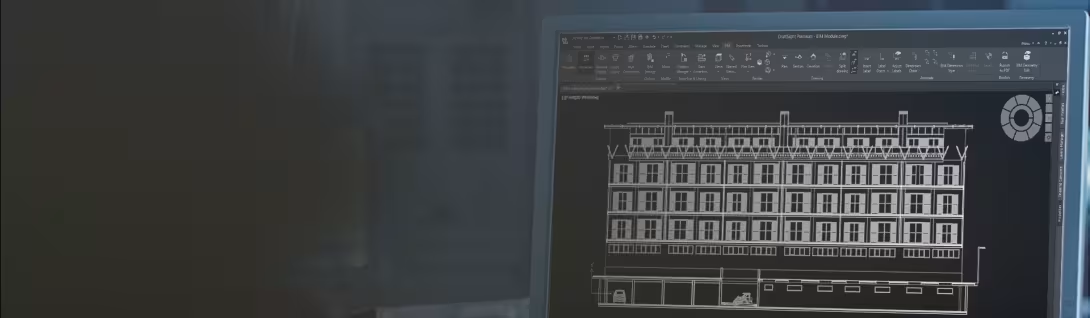
DraftSight is a 2D CAD desktop application with advanced drawing and annotation tools, full DWG file support, and an interface that will feel familiar to users of other CAD platforms. It’s ideal for professionals moving from legacy tools or teams seeking a flexible, reliable drafting solution.
Why Choose DraftSight?
- Productivity Tools: Draft, annotate, dimension, and print with efficiency. Automate repetitive tasks and streamline workflows with dynamic block editing and custom block creation.
- DWG Compatibility: Open and edit DWG, DXF, and DGN files without, conversion errors or loss of details.
- User-Friendly Interface: Designed for fast on-boarding and minimal training.
- Scalable 2D and 3D Capabilities: Start with 2D drafting and move into 3D design and modeling, all within the same environment.
DraftSight Features

Explore a comprehensive set of tools for 2D and 3D design, including editing, viewing, and sharing DWG files.
- DWG File Support: All versions work natively with DWG files for seamless collaboration.
- Advanced Drafting Tools: Includes layers, hatching, snapping, and splines.
- Reusable Blocks: Edit dynamic blocks and create custom blocks to speed up and standardize work.
- Automation Features: Batch printing, automatic dimensioning, layer tools, and sheet set management.
- SOLIDWORKS Integration: Data continuity, shared licensing pools, and standardized design formats.
- API Support: Customize DraftSight to your workflows with robust API access

Cost-Effective 2D CAD: Save Up to 70%

DraftSight delivers powerful 2D CAD tools at a significantly lower cost than leading competitors, without sacrificing features or technical support.
With DraftSight, you gain:
- Professional-Grade 2D CAD : Full DWG editing, automation, and annotation features
- Flexible Licensing: Choose from named-user, network, or perpetual options.
- Built to Grow with You: Scale from 2D drafting to 3D modeling and cloud collaboration as your needs evolve.

Clear, Predictable Pricing: No hidden fees or forced upgrades, just straightforward budgeting for your CAD software.
2D CAD Built for Collaboration, Industry Needs, and Licensing Flexibility
DraftSight empowers professionals with essential CAD tools, offering compatibility with SOLIDWORKS and CATIA, cloud collaboration capabilities, and flexible licensing options.
Flexible Licensing
Choose the model that fits your team:
Named-User Licensing: For individuals and dedicated workstations.
Network Licensing: For shared access across users and locations.
Perpetual Licensing: One-time purchase with ongoing access.
Cloud and Remote Access: Enable collaboration across teams with SOLIDWORKS and the 3DEXPERIENCE platform with cloud tools.



Try DraftSight Free:
Explore DraftSight with a 30-day full-featured trial, available for download today.
- Full access to 2D/3D tools and advanced features.
- Support for DWG/DXF/DGN formats.
- Access documentation, guides, and community support.
- Try DraftSight on your project workflows to evaluate fit.