
DraftSight Mechanical
DraftSight Mechanical includes all the features in DraftSight Premium, plus advanced features that allow you to update drawings containing mechanical entities in DWG format. You have the flexibility to work with DWG data on premises with DraftSight Mechanical or on the cloud with 3DEXPERIENCE DraftSight Mechanical connected to the 3DEXPERIENCE platform.
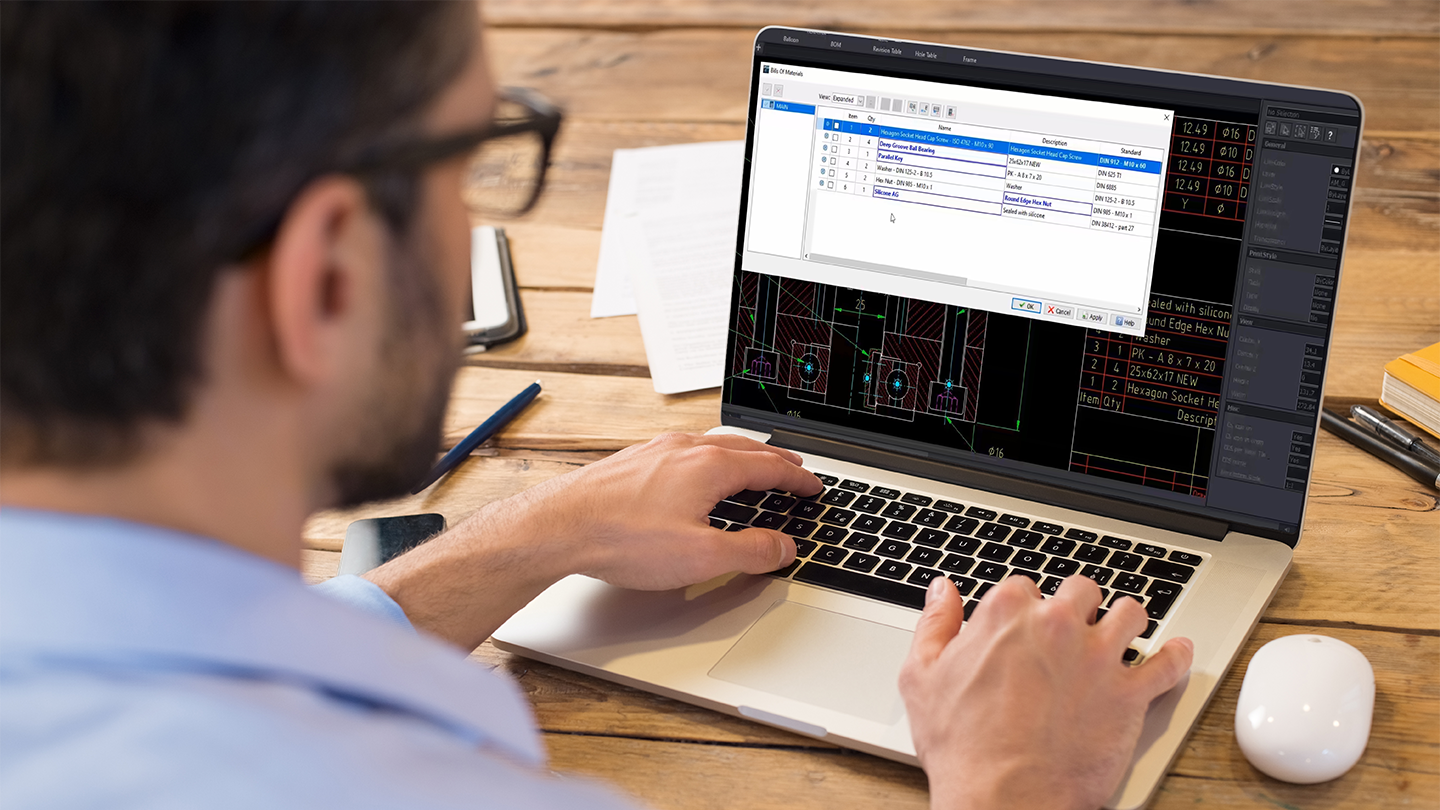
DraftSight Mechanical adds three major areas to DraftSight Premium capabilities:

Part References
Part references add intelligence to 2D entities so they will be treated as a separate part for bill of material tracking. Make or update existing part properties such as number, description, vendor, etc. Save time and work from a robust hardware library. Existing part references can be modified and new ones are automatically created when using the hardware library or can be created for user defined blocks.

BOM & Parts Lists
The BOM aggregates all part references for the drawing. Create new and update existing BOMs that detail properties of the components such as part number and quantity. The parts list is a visual table on the drawing that allows you to organize the BOM to your liking to complete your drawing.

Balloons & Frames
Annotate and add notes to your drawings by creating or reorganizing balloons associated to a parts list. The balloons feature is supporting part references so you can use it both for content previously created with your legacy mechanical system and with DraftSight Mechanical.
Frames gives you an easy ability to fit your designs into title blocks with a simplified scaling process.
