DraftSight Professional 2D CAD Software
Streamline Your Design Workflow with DraftSight Professional

DraftSight Professional First Look
Robust 2D CAD Software with a Familiar User Interface
DraftSight Professional is a powerful 2D CAD software developed to enhance your design process with precision, accuracy, and efficiency. Switching from competing solutions to DraftSight Professional is simple, thanks to its intuitive user interface and familiar commands. New users quickly adapt and begin working with confidence, minimizing downtime and maximizing productivity. Whether you're creating technical drawings or managing complex design projects, DraftSight Professional equips you with the capabilities needed to succeed in competitive industries.

Why Choose DraftSight Professional?
DraftSight Professional is the preferred 2D CAD solution for hundreds of thousands of individuals and businesses due to its well-rounded features, affordability, and familiar user interface. The software provides essential tools to handle various 2D drafting and design needs, minimizing challenges and optimizing productivity.
Here’s what DraftSight Professional offers users at every level:
- Compatible Design Media : Open, edit, and save files in DWG, DXF, and DGN formats without hassle.
- Enhanced Automation: Automate repetitive tasks and dimension drawings faster with built-in functionality.
- Customizable Tools: Extend the software’s capabilities with LISP codes and API plug-ins.
- Integration with Leading Tools: Use DraftSight alongside SOLIDWORKS for more expansive 3D design and collaborative applications.
What’s the Difference Between DraftSight Professional and Premium?
DraftSight Professional is an affordable option, making it accessible for independent designers, small businesses, and educational institutions. While DraftSight Premium offers advanced 3D modeling, BIM capabilities, and enhanced productivity tools.

Key Benefits of DraftSight Professional
- Familiar, Intuitive Interface – For those switching from other CAD applications, DraftSight offers a familiar UI and commands, reducing the learning curve.
- Editing and Conversion Capabilities – Share files with colleagues or clients, thanks to compatibility with industry-standard formats such as DWG, DXF, and DGN.
- Dynamic Dimensioning - Achieve precise results faster with intelligent tools that simplify dimensioning.
- Tailored Productivity Tools – Get results with customizable features, including APIs for specific design needs like mechanical drafting and electrical schematics.
Notable Features of DraftSight Professional
DraftSight Professional is packed with tools that improve efficiency and enable precision. Here are just a few features that set it apart:
PDF Import
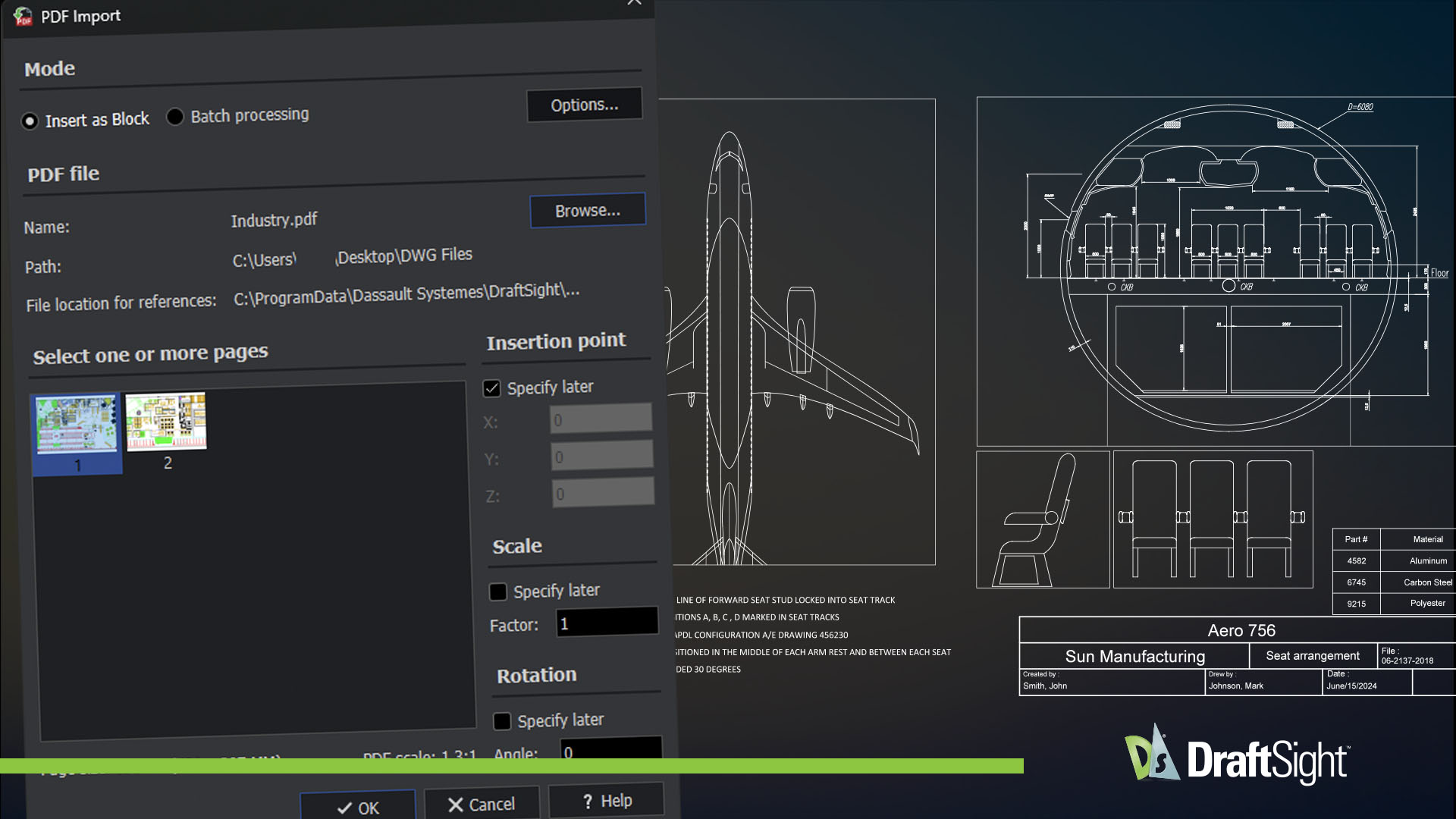
DraftSight’s PDF Import allows you to convert geometry, text, and layers from PDF files into fully editable DWG drawings. This streamlines workflows by eliminating the need to manually redraw content, saving time and reducing errors. Whether updating legacy drawings or collaborating with external teams, PDF Import improves drawing accuracy and design.
Tool Palettes
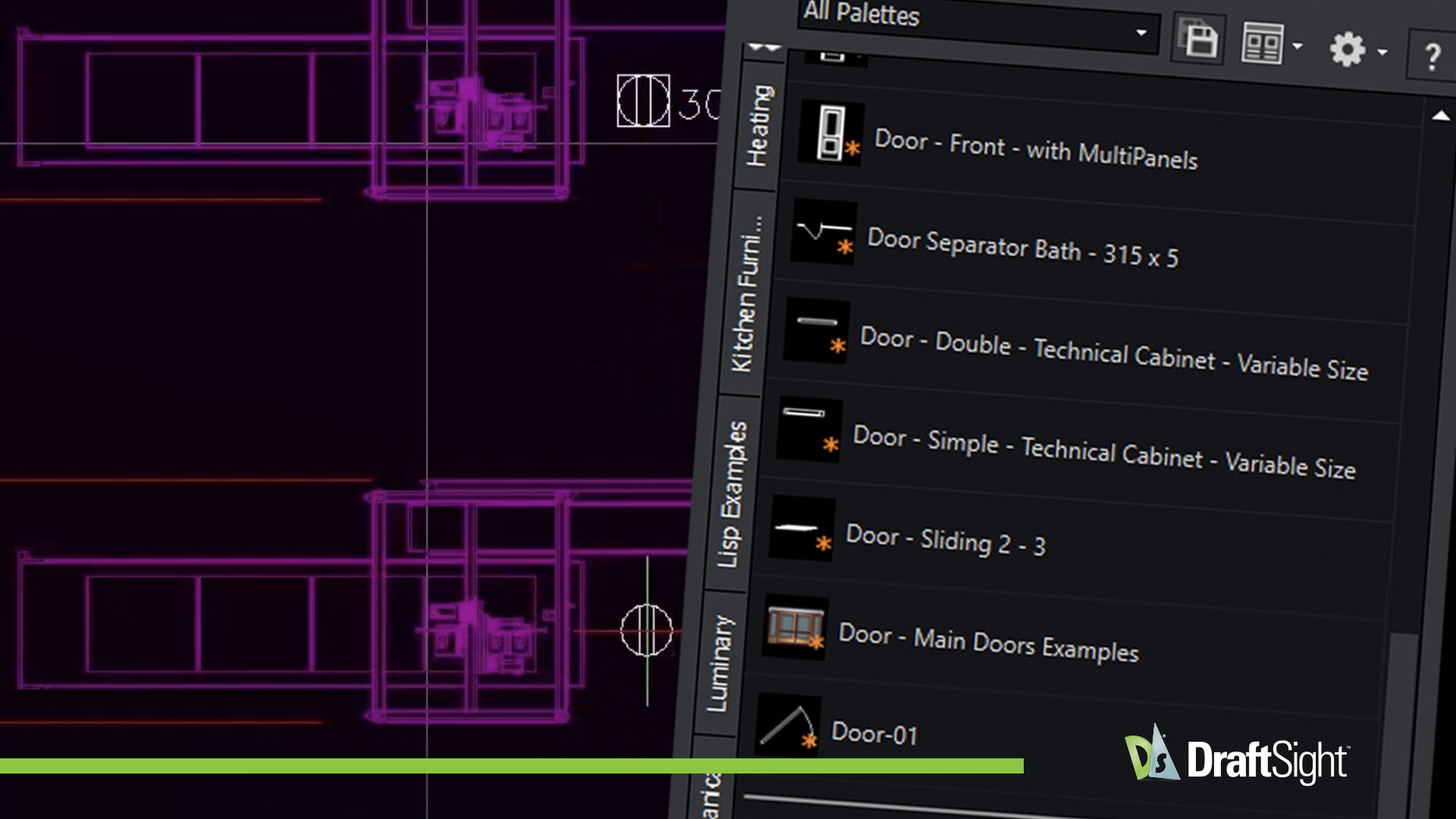
Tool Palettes offer a fast, intuitive way to manage and insert commonly used blocks, hatches, and commands. With simple drag-and-drop functionality and full customization options, you can keep your design environment organized and efficient. Maintain consistency, minimize repetitive tasks, and boost productivity.
Layers Manager
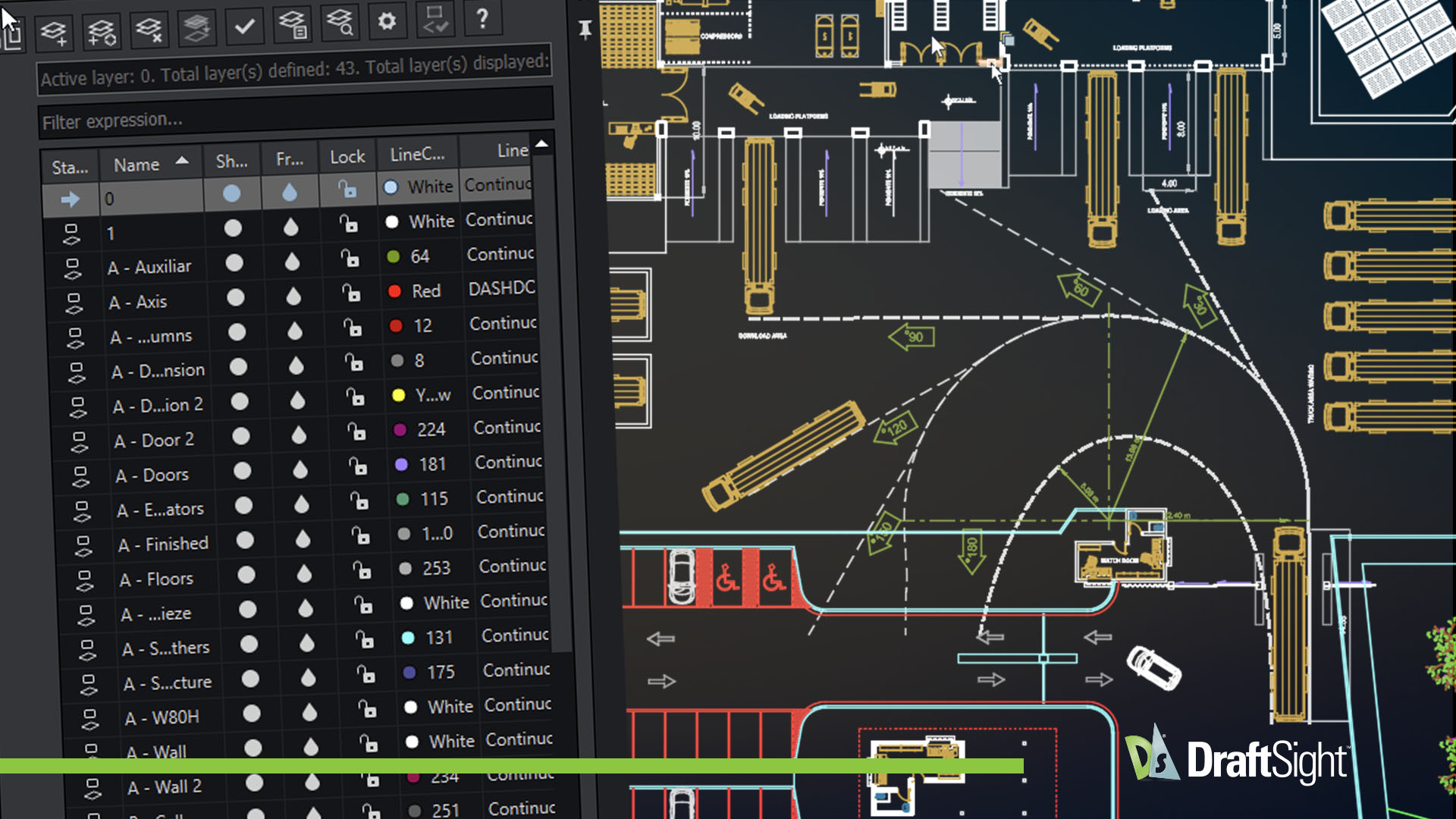
Easily create, manage, and organize drawing layers with full control over properties like color, line type, and visibility. The intuitive layers manager helps keep complex projects well-structured, minimizes errors, and promotes consistency throughout your drawings—ensuring a more efficient and reliable design workflow.
Draw Compare
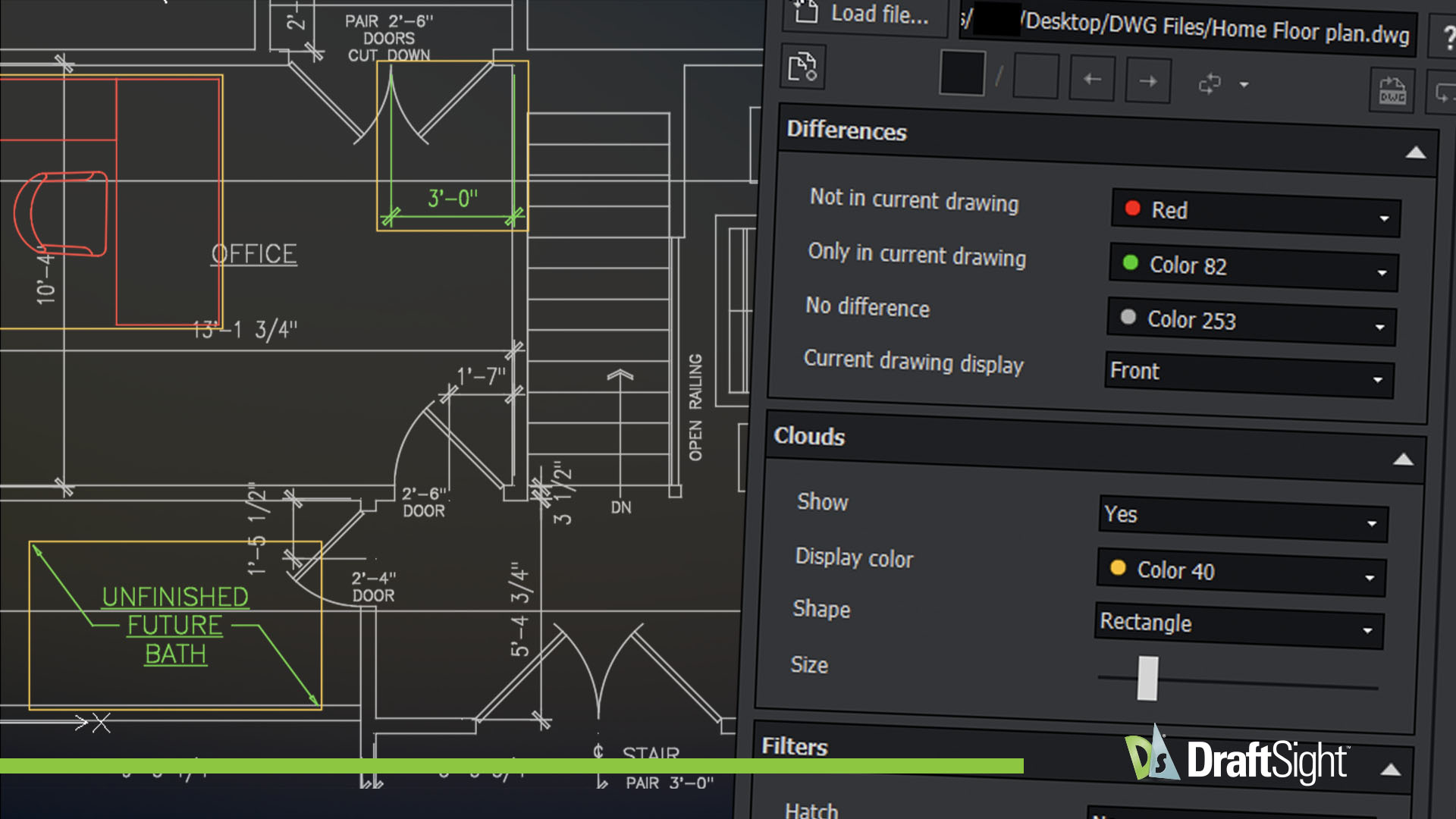
The newly revised Draw Compare tool highlights additions, deletions, and modifications between drawing revisions in a clear visual format. It simplifies the review process, helps catch discrepancies, and supports design accuracy. Comparison results can be easily exported as a DWG file—saving time and enhancing collaboration.
Dynamic Block Support
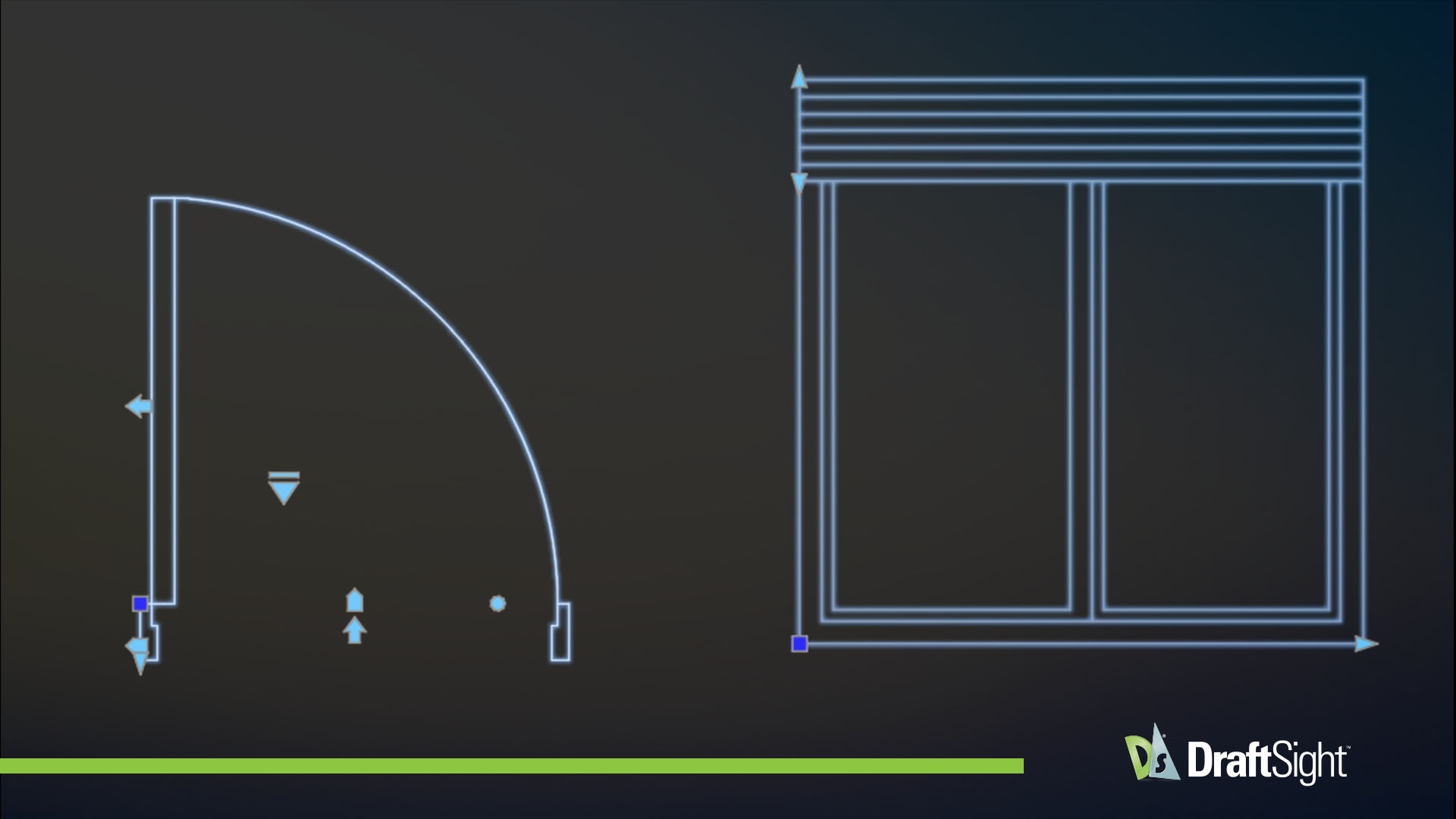
DraftSight fully supports Dynamic Blocks, enabling seamless viewing and interaction with their adjustable features such as visibility states, stretch, and rotation. Built to enhance design flexibility, this functionality streamlines repetitive tasks and improves drawing efficiency. A built-in library with a set of starter Dynamic Blocks is also included with DraftSight—making it easier to get started and standardize drawings.
Auto/Visual LISP Support
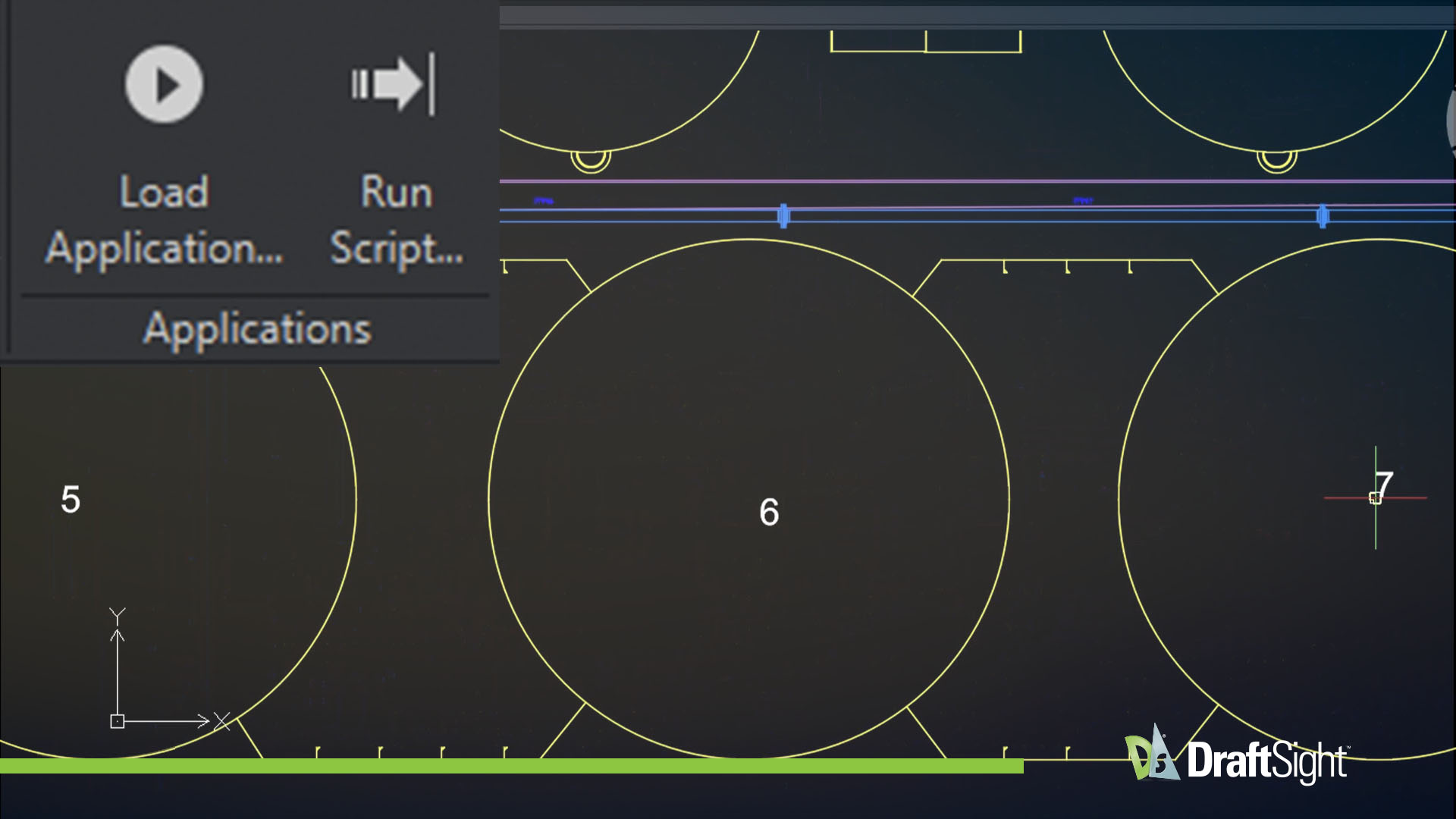
With advanced support for both AutoLISP and Visual LISP, DraftSight enables powerful automation and customization within the CAD environment. By creating and running LISP routines, workflows are streamlined, and repetitive tasks are simplified, improving productivity and precision across the entire design process.
Explore Other DraftSight Professional Tools
What are the Benefits of DraftSight Professional?
How Does DraftSight Compare to Other CAD Software?
Affordable and Flexible Licensing Options
Get Started with DraftSight Professional Today
Built for Professionals Across Industries

DraftSight Professional is more than just 2D CAD software – it’s an essential tool that meets the unique demands of professionals across various industries:
Engineers trust DraftSight for precise mechanical designs and layouts.
Architects use it for detailed floor plans and elevations.
Designers value its adaptability for creative, client-ready concepts.