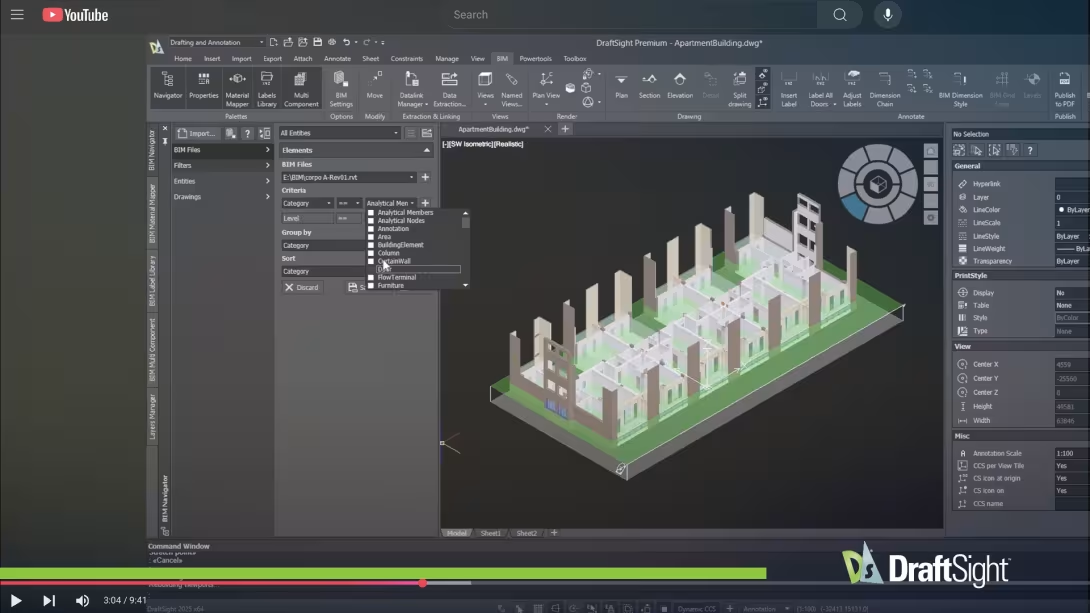
DraftSight CAD Tutorials
Whether you're a beginner just stepping into the world of CAD or an experienced user looking to expand your expertise, our extensive library of tutorials is tailored to meet your needs.
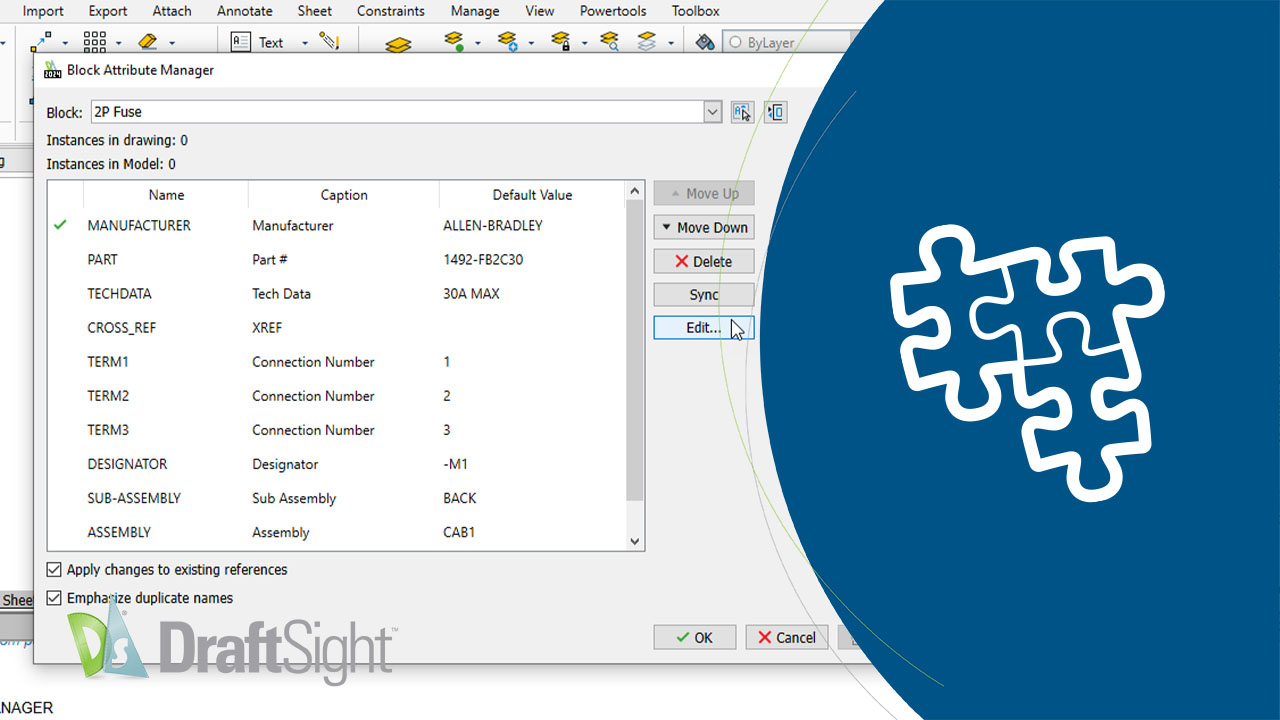
Explore the extensive library of DraftSight CAD learning tutorials, designed to educate both beginners and experienced users with essential skills and advanced CAD techniques. From basic drawing to 3D modeling, our CAD learning tutorials offer step-by-step guidance to help you master DraftSight's powerful features and save significant design time.
Why Choose DraftSight CAD Tutorials?
-
Flexible Learning Resources
Flexible Learning Resources

Our CAD tutorials cater to a diverse range of skill levels and learning styles. From quick two-minute videos to hour-long, in-depth sessions, you can choose the format that suits you best.
- Stay Ahead of the Curve
- Build a Strong Foundation