Celebrating 15 Years of Precision!
2D CAD on Your Terms: Licensing Flexibility and Competitive Pricing That Puts You First

15 Years of Choice
Fifteen years ago, DraftSight was introduced to deliver powerful 2D CAD with a familiar drafting environment, flexible licensing model and a competitive price. Since then, it has become a trusted daily tool for architects, engineers, designers and manufacturers across a wide range of design and production workflows.
Over that time, DraftSight has continuously expanded its capabilities to meet the evolving demands of professionals. Users rely on it to create, edit and manage DWG, DXF, DGN and many other industry-standard drawings with precision. Key productivity tools, such as 2D parametric constraints, Custom Blocks, automated dimensioning, Power Trim, PowerTools, Sheet Set Management and many more, outperform standard CAD workflows, accelerating even the most complex projects. Focusing on engineering-led automation and improvement with each release, DraftSight has remained a reliable, full-featured solution as standards, tools and teams continue to evolve.
15 Years of Customer Success
For fifteen years, DraftSight has been used by millions of engineers, architects, designers, and manufacturers worldwide for professional 2D drafting. Explore how organizations use DraftSight.
-
ERIKS

ERIKS
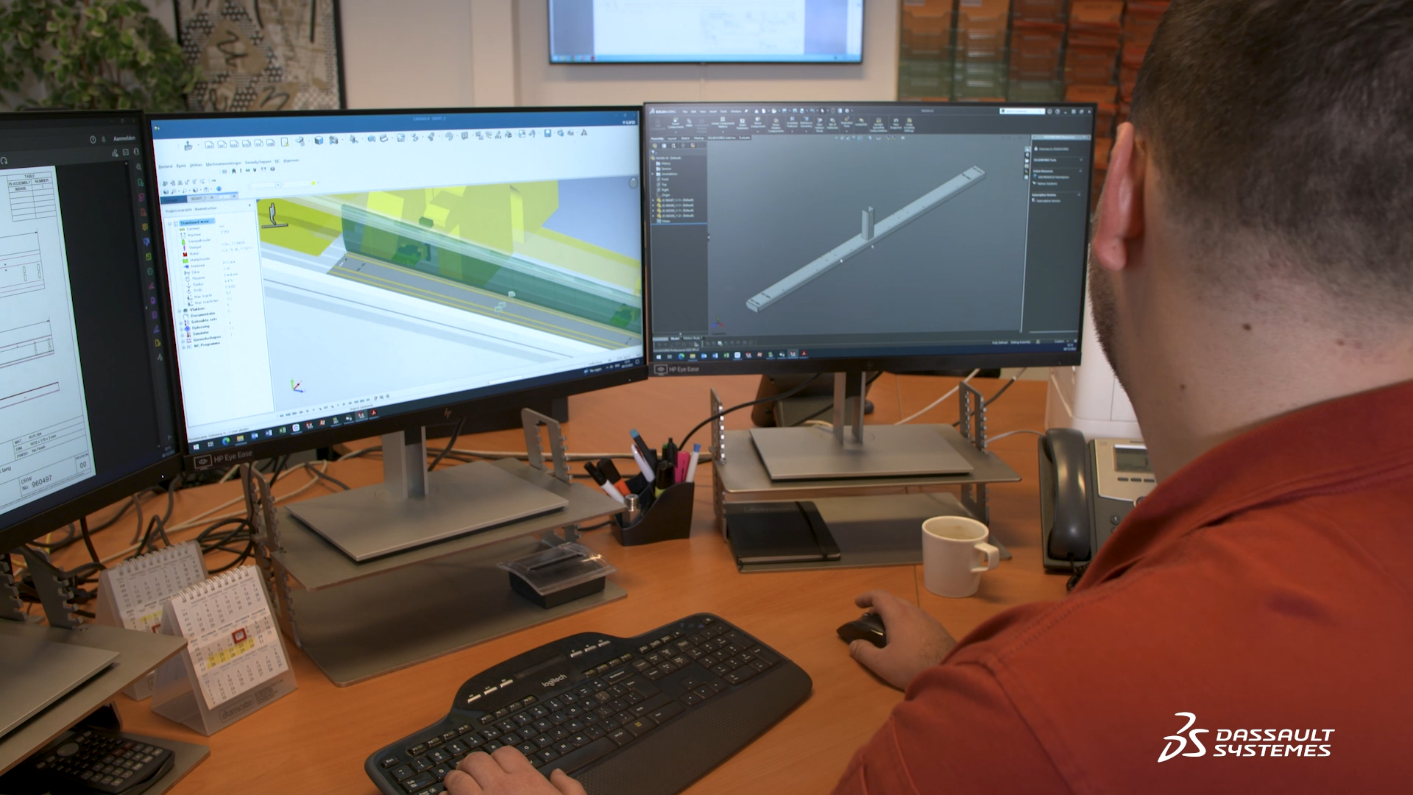
ERIKS, a specialized industrial service provider, efficiently manages over half a million 2D drawings with DraftSight.
“DraftSight has the core functionality of a good 2D package but also integrates with any past drawings that were made by other packages. Thanks to the networking license structure, we're able to add a lot of users that use it perhaps once or twice every month. And, what’s very important for us is it's part of this bigger roadmap: migrating to the [cloud-based] 3DEXPERIENCE platform.”
— Job van de Sande
Head of Engineering | ERIKS - Knapheide Manufacturing
- Sealed Air
- Dumaco


DraftSight's Anniversary Offer
DraftSight is marking 15 years with 15% off available now.

DraftSight's 15 Top Features
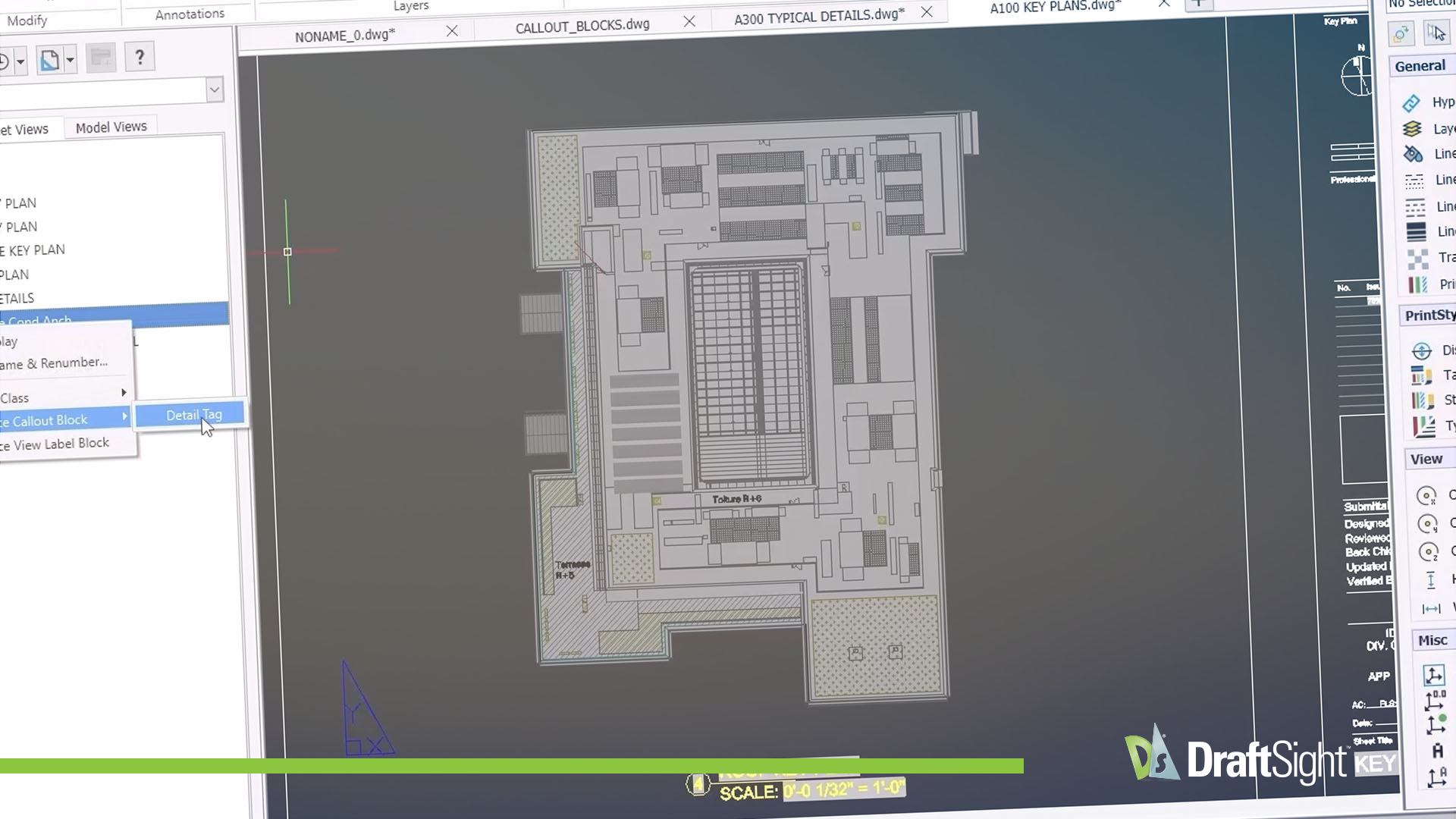
To celebrate our 15th Anniversary, we’ve curated a countdown of the Top 15 Features that have defined the DraftSight experience, as voted by our global community of engineers, architects and designers. From the "classic" commands that made the transition seamless to the cutting-edge automation of 2026, this video showcases the tools that enable you work smarter, not harder.
DraftSight’s Top 15 Tools
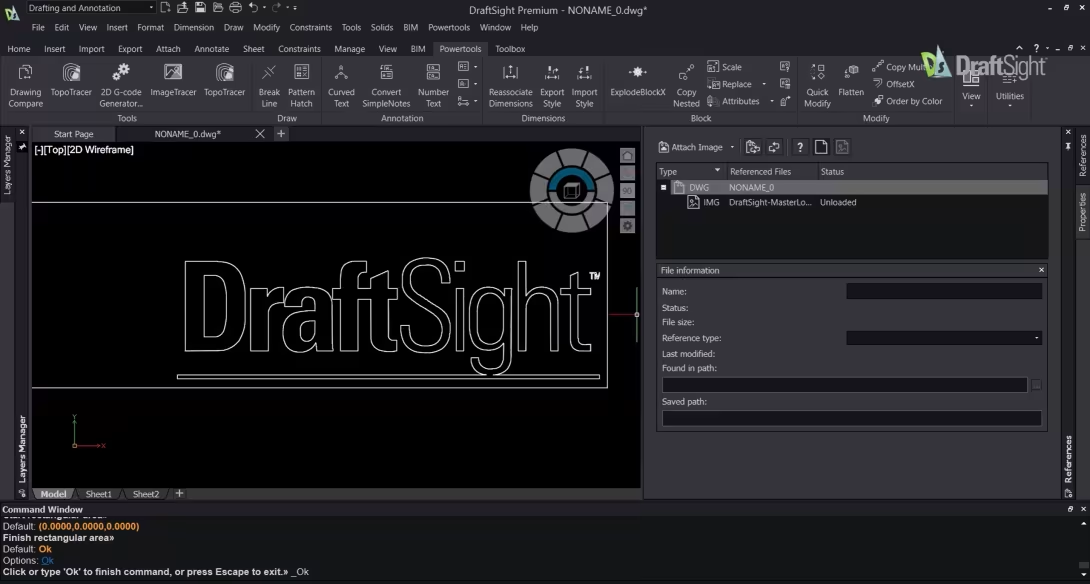
The Tools DraftSight Users Rely on Most
Over fifteen years of development, DraftSight has introduced a set of powerful drafting tools to support professional 2D drafting.
This eBook highlights fifteen DraftSight tools that users rely on most, based on long-term use across a wide range of drafting environments. Each tool is explained in context, showing how it supports accuracy, efficiency, and consistency in professional drafting work.
What’s New in DraftSight 2026

DraftSight 2026 introduces a powerful suite of new productivity tools and enhancements designed to transform your design workflow. Highlights include advanced capabilities such as the Start Page, Floating Windows, Gradient and Pattern Ribbons, and more.
What Should DraftSight Do Next?

Shape DraftSight’s Future!
DraftSight’s 15-year legacy is built on listening to our community. As we look toward the next decade of innovation, we want to know what’s on your wishlist. Share your feature requests and help us continue providing the professional CAD choice that puts your needs first.
Professional
$299 USD/yr
- DraftSight is marking 15 years with 15% off! (offer applied in cart)
- Create, view and edit DWG, DXF and DGN files
- Powerful and affordable 2D drafting for everyone
- Complete set of edit, design and automation tools (incl. Autolisp)
Premium
$599 USD/yr
- DraftSight is marking 15 years with 15% off! (offer applied in cart)
- Advanced tool and 3D capabilities at a fraction of the cost of competitors
- Custom Blocks, STEP import, Sheet Set Manager, and DGN Export
- Integrate 3D model data into your drawings with the BIM module
Network
Starting $399 USD/yr
- DraftSight is marking 15 years with 15% off! (offer applied in cart)
- Activate simultaneous usage and compliance throughout the organization
- Complete technical support provided by SOLIDWORKS partners
- Save time with easy network license deployment
Price displayed is US currency, for local pricing see shopping cart.
Available in


Thank You for 15 Years of Trust

From the first drawings to the complex projects designed today, we value your partnership. DraftSight remains committed to supporting professional 2D drafting when it matters most as part of the SOLIDWORKS and Dassault Systèmes portfolio of engineering solutions.