What Is DraftSight? Features, Benefits & Comparisons
Discover the powerful, industry-leading features and substantial benefits of our proven CAD software

What Is DraftSight?
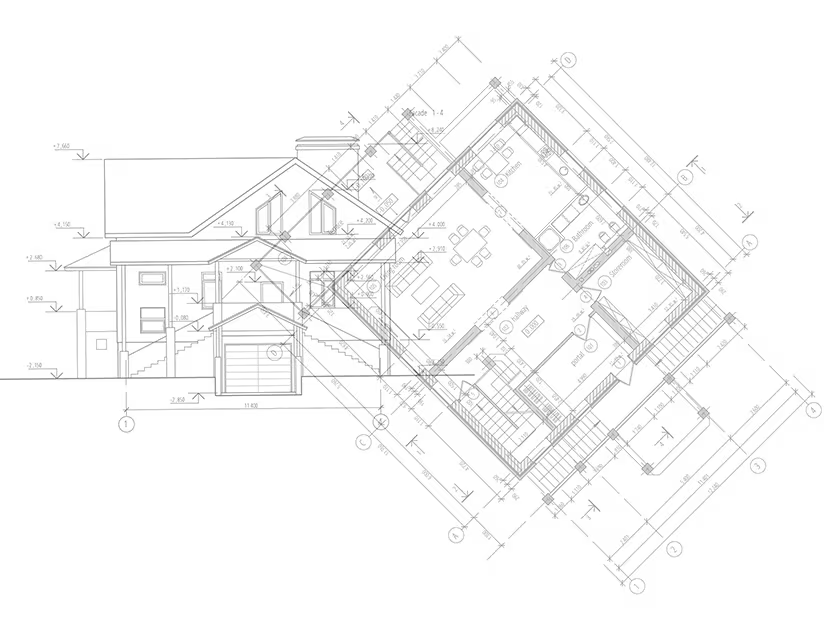
DraftSight is a trusted 2D CAD drafting and 3D design experience with a familiar and easy to learn interface. DraftSight has the productivity tools you need to create, edit, view and share 2D and 3D DWG files. For designers that need to streamline their workflow and optimize resources, DraftSight offers advanced productivity tools and an API. Its flexible licensing options and robust integrations with SOLIDWORKS and the 3DEXPERIENCE Platform provide a streamlined and efficient design process. Here are just a few convenient features, depending on the DraftSight download you choose:
- Create, edit, view and markup DWG, DXF and DGN files.
- Import PDFs and convert them into editable DWG files.
- Automatically convert raster images into vector graphics.
- Switch between 2D drafting and 3D modeling to optimize your designs.
- Create complex 3D surfaces or geometries.
- Modify entities, create layers, annotate, dimensions and create custom blocks.
With common commands and a similar user interface to other drafting programs on the market, it’s easy to make the switch to DraftSight.
Why Choose DraftSight?
Discover DraftSight for your 2D and 3D CAD needs
Easy to Get Started
Experience an easy transition with DraftSight’s familiar interface, commands, and full compatibility to seamlessly utilize legacy drawings and data like Dynamic Blocks. DraftSight looks, feels, and performs like other CAD software, so it's easy to get started and keep your productivity level up.
Integrated with SOLIDWORKS and the Cloud
DraftSight is made by Dassault Systèmes, the same company that makes SOLIDWORKS. It seamlessly integrates with SOLIDWORKS 3D CAD and is compatible with all common file formats. Additionally, DraftSight can be connected to the cloud for remote collaboration and data access. 3DEXPERIENCE DraftSight combines DraftSight and the 3DEXPERIENCE platform to streamline the design process and enhance data management.
Flexible and Scalable
DraftSight offers flexible licensing options, allowing you to pool your network seats to keep your team properly licensed while maximizing resources. While many of our competitors make you pay for named-user subscriptions, DraftSight Enterprise offers the choice of licensing you need.
DraftSight's CAD Products
DraftSight Professional

Advanced 2D design with time-saving productivity tools and the file compatibility you need.
DraftSight Premium

Full 2D and 3D capabilities, including meshing and modeling, plus parametric constraints.
DraftSight Mechanical
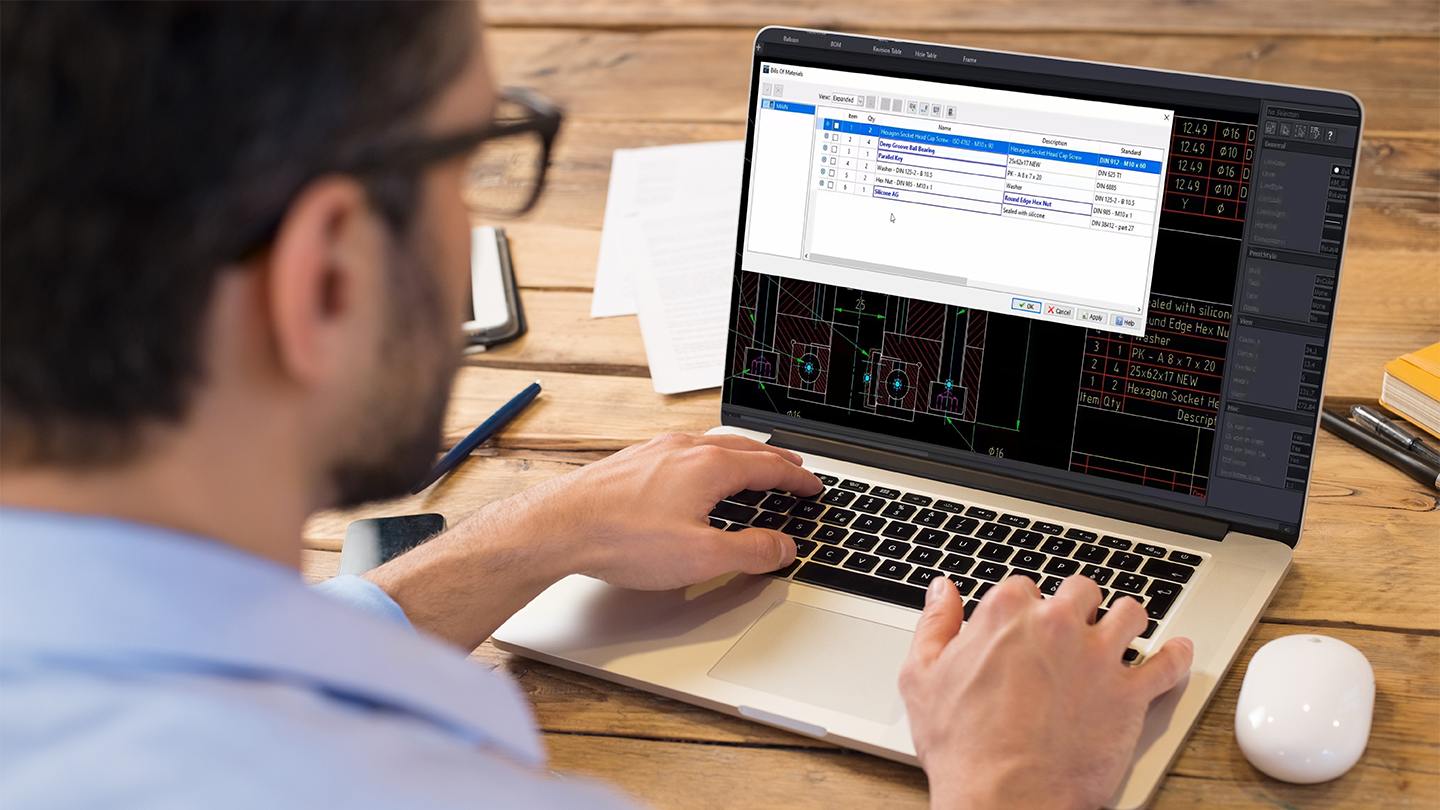
Create and manage legacy DWG files containing mechanical entities.
DraftSight Enterprise

Flexible CAD software built for big companies who want network licensing and full support.
What Is DraftSight Used For?
DraftSight is a feature-rich 2D and 3D CAD solution for architects, engineers, designers, hobbyists and more. Discover how CAD professionals use DraftSight.

Creating 2D and 3D Designs
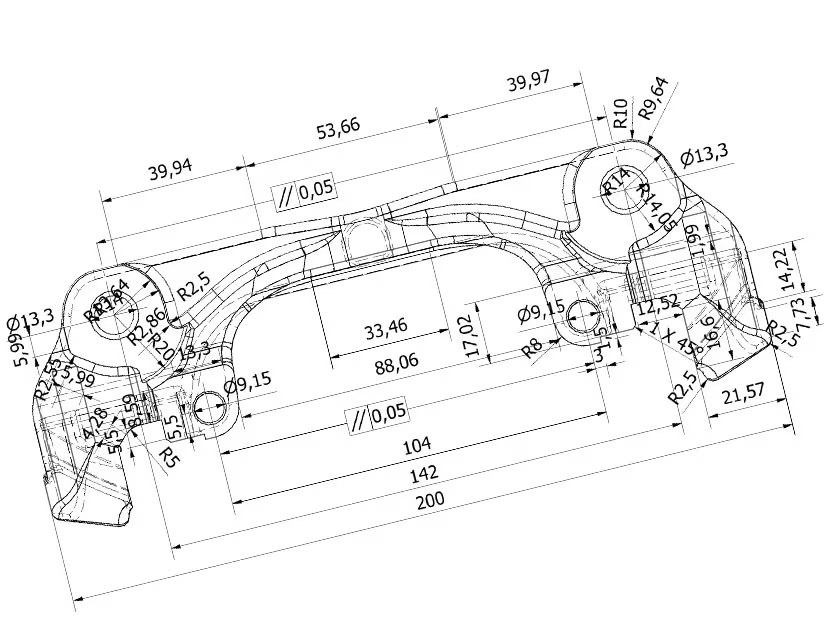
DraftSight is a versatile tool that allows users to create both 2D and 3D models. Tackle a wide range of applications, from drafting blueprints for buildings to designing and detailing complex mechanical parts.

Drafting and Annotation
DraftSight offers a wide variety of tools for creating and annotating precise and informative drawings. Utilize lines, shapes, text, leaders, dimensions, hatching, and more to create detailed drawings that clearly communicate the design intent.

Sharing and Collaboration
DraftSight allows users to Import and refine data from PDF, DGN, CATIA, and more. Distribute final drawings or models as flexible file types like DWG, PDF, and DXF.