
What’s New in DraftSight 2027
DraftSight 2027 adds new tools and updates across 2D drafting, drawing management, and data exchange. The release also expands several existing commands, adding more options to familiar DraftSight workflows.
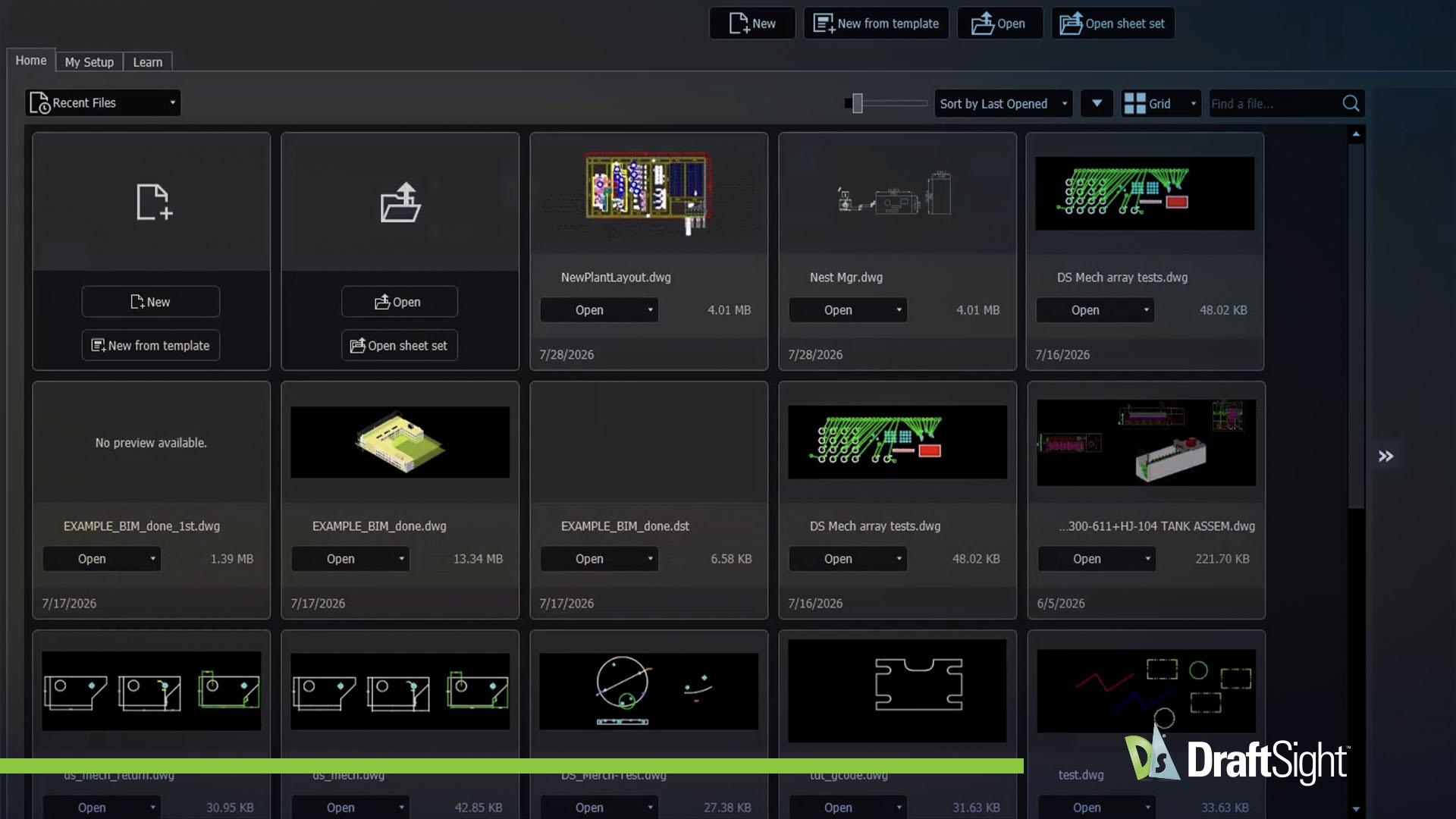
DraftSight 2027 Top 10 Features
DraftSight 2027 brings ten new capabilities, from automated part nesting and guided viewport setup to quicker dimension edits and new options for exchanging design data. Some address repetitive drafting work, while others extend what you can do with drawings and the data behind them.
BIM Material Library
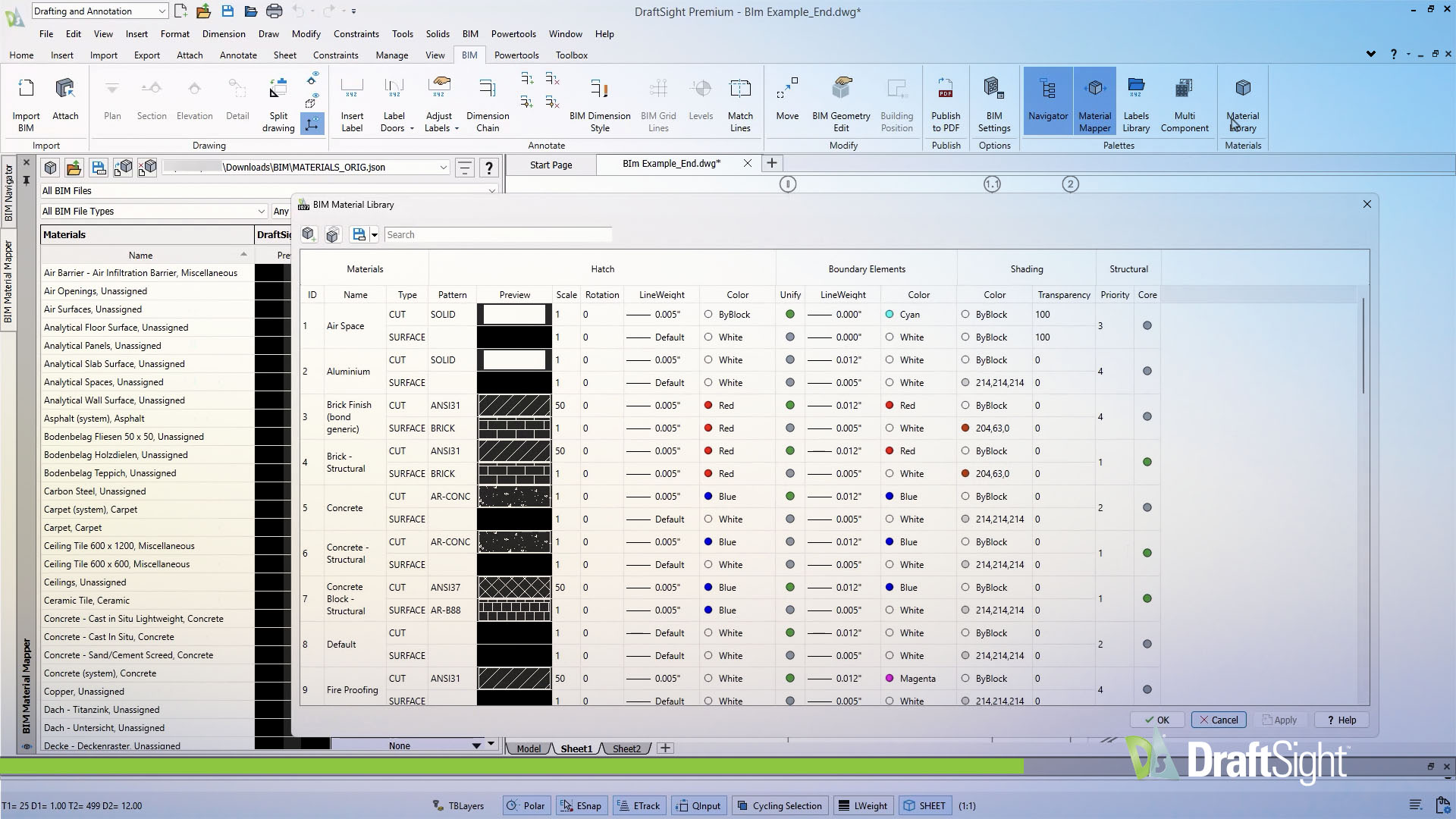
The BIM Material Library lets you customize colors, hatches, and boundary edges for cut and projected elements. This makes it easier to produce construction documentation that follows your firm’s drawing standards without manually adjusting each sheet.
Available in Premium, Enterprise Plus
Nest Manager
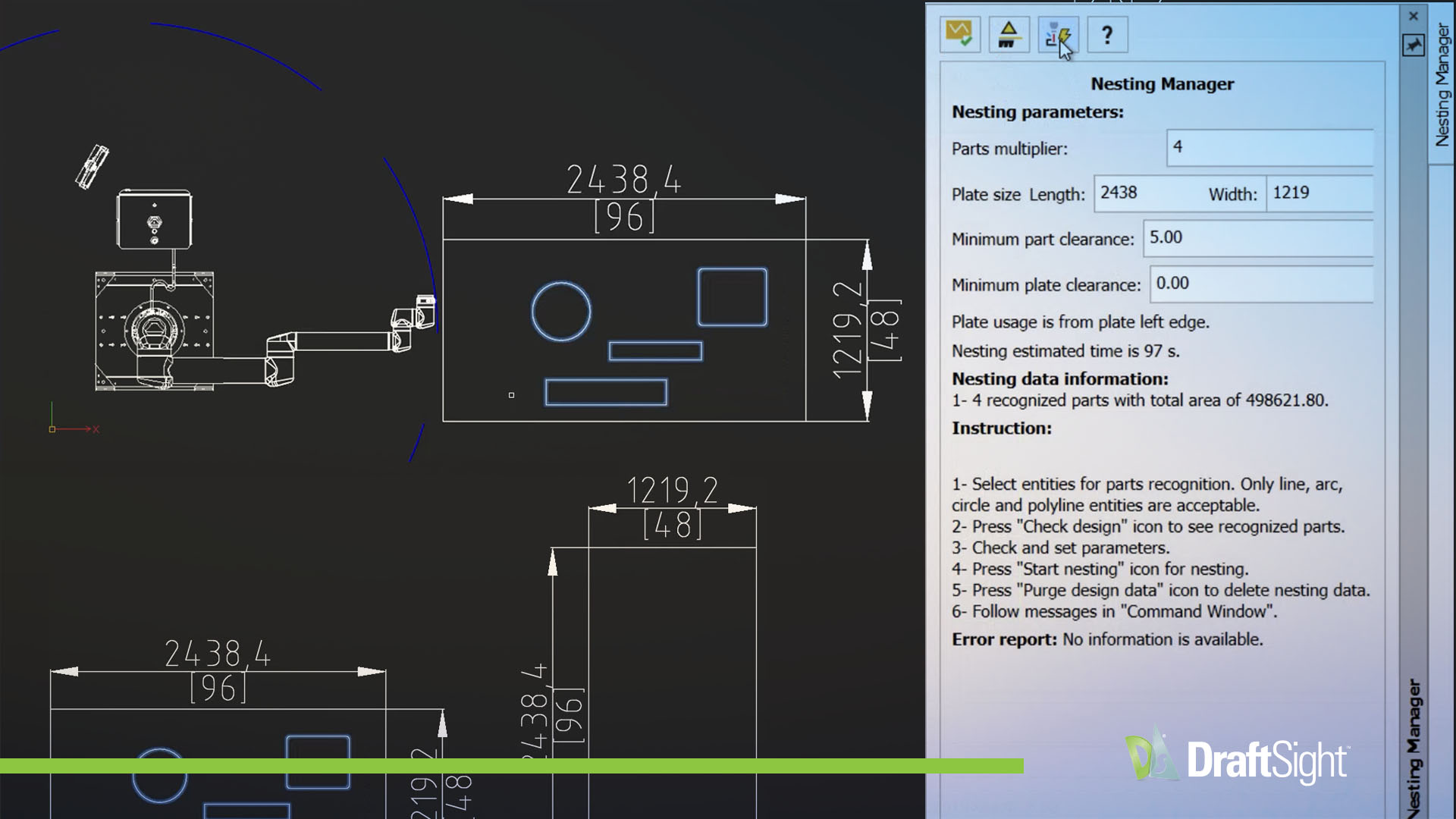
Nest Manager automatically arranges parts at a high density to reduce material waste. Layout automation removes the manual calculations that slow teams down, accelerating manufacturing workflows from drawing to cut.
Available in Mechanical
QINPUT Dimensions
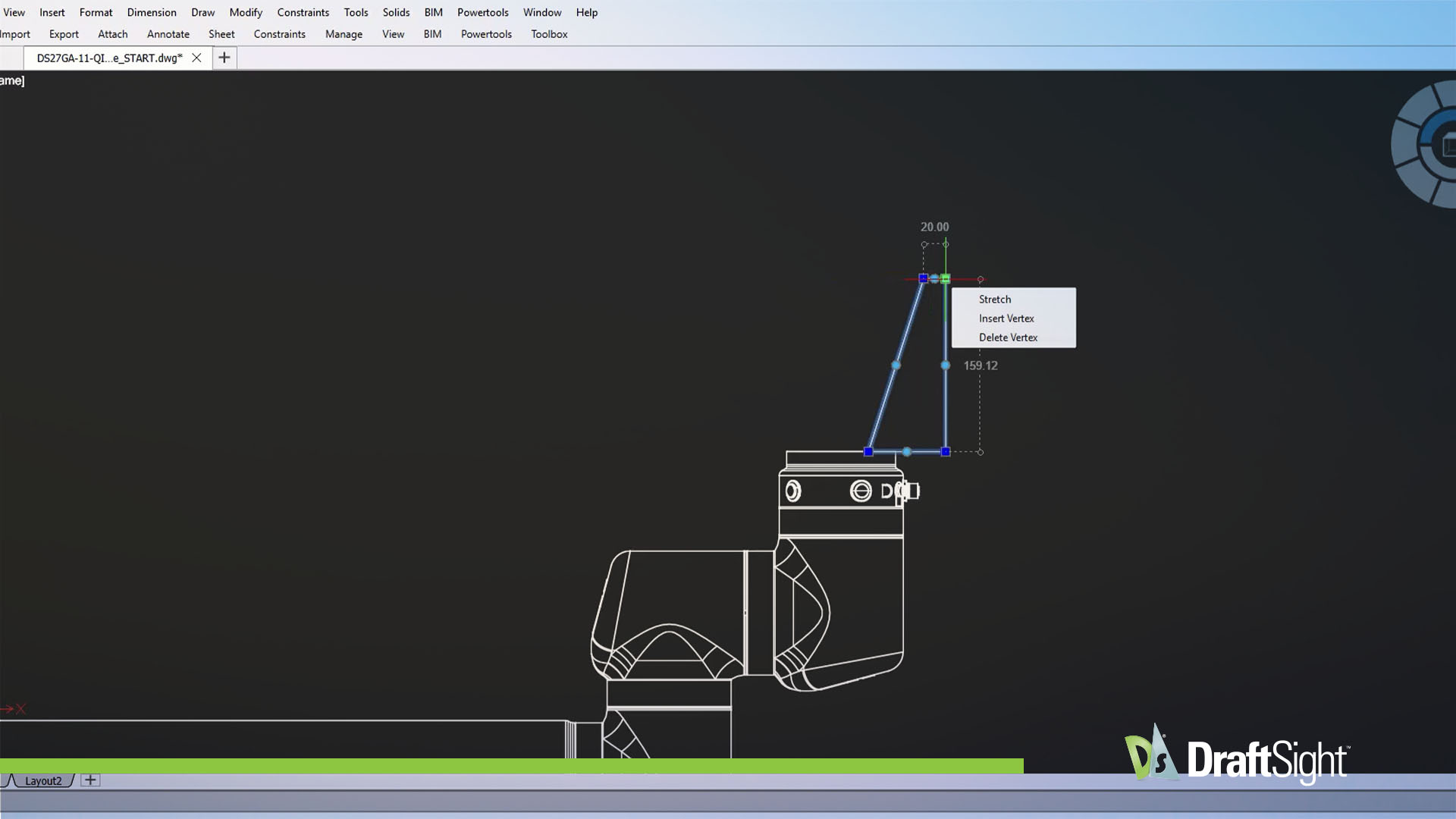
QINPUT Dimensions lets you adjust dimensions to exact lengths without using the command line. Enter the value you need directly rather than using the Stretch tool for precise dimension changes.
Available in Premium, Enterprise Plus, Mechanical
Status Bar Display Customization
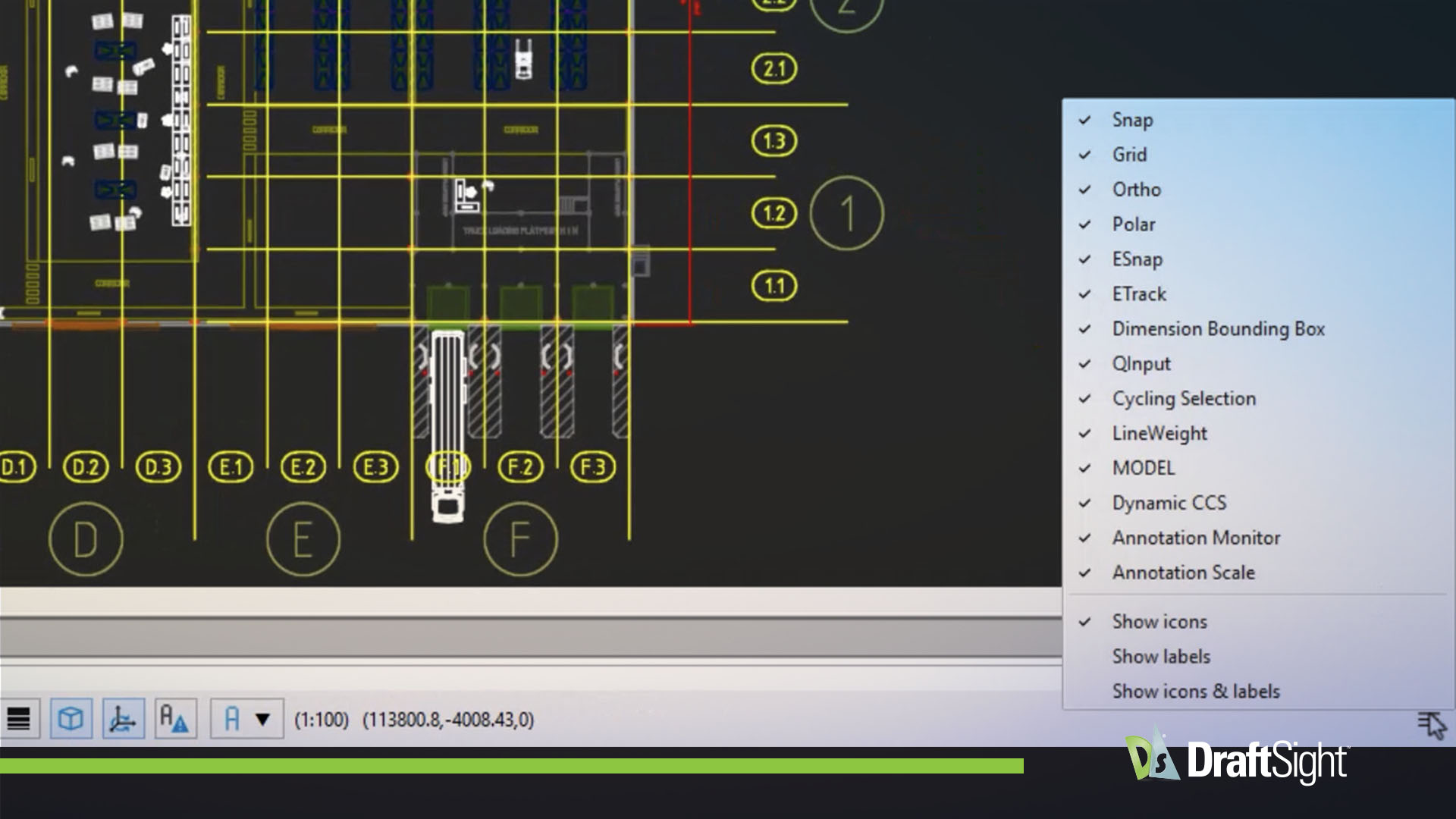
You can customize the Status Bar to control visibility, icons, and labels. Switch between icons and text labels to keep the information you need on the Status Bar visible and hide what you don’t.
Available in Premium, Enterprise Plus, Mechanical
Export STEP Files
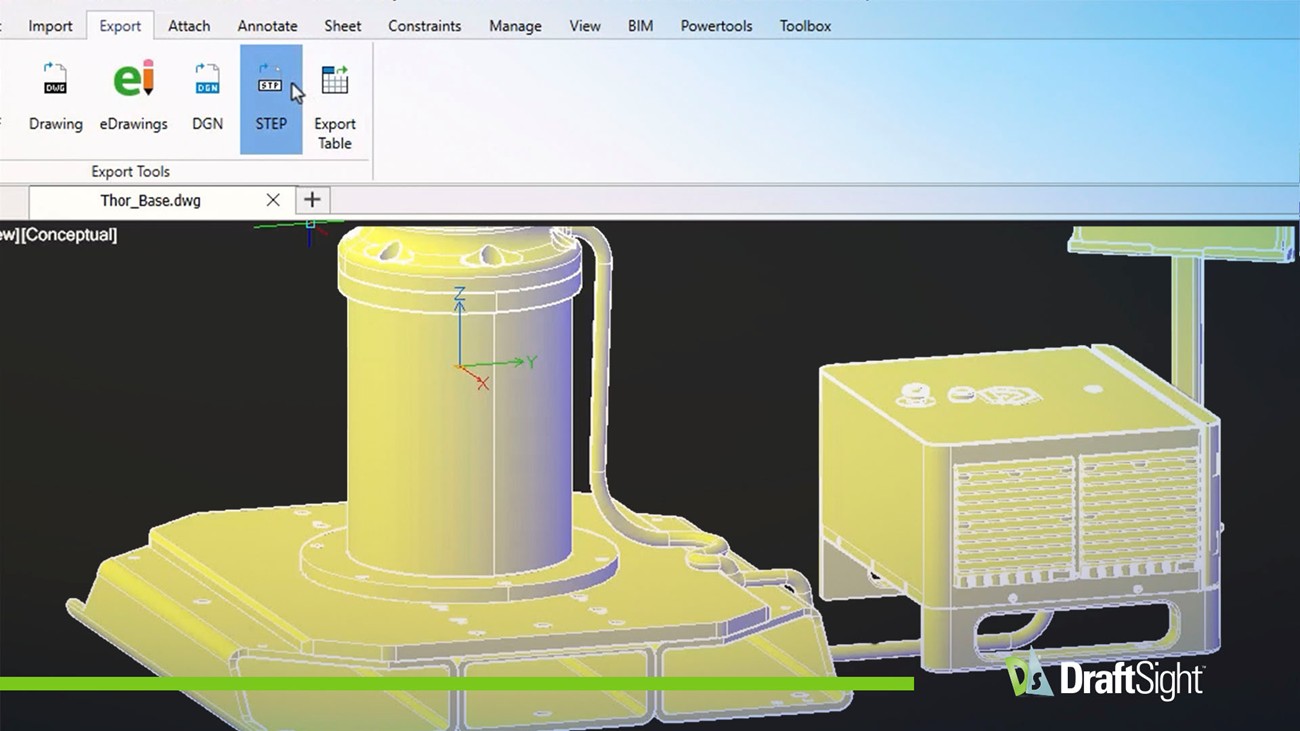
Export 3D solid geometry directly to STEP format for use in other 3D modeling programs. STEP is an industry standard format for exchanging geometry with other design tools and workflows.
Available in Premium, Enterprise Plus, Mechanical
Export STL Files
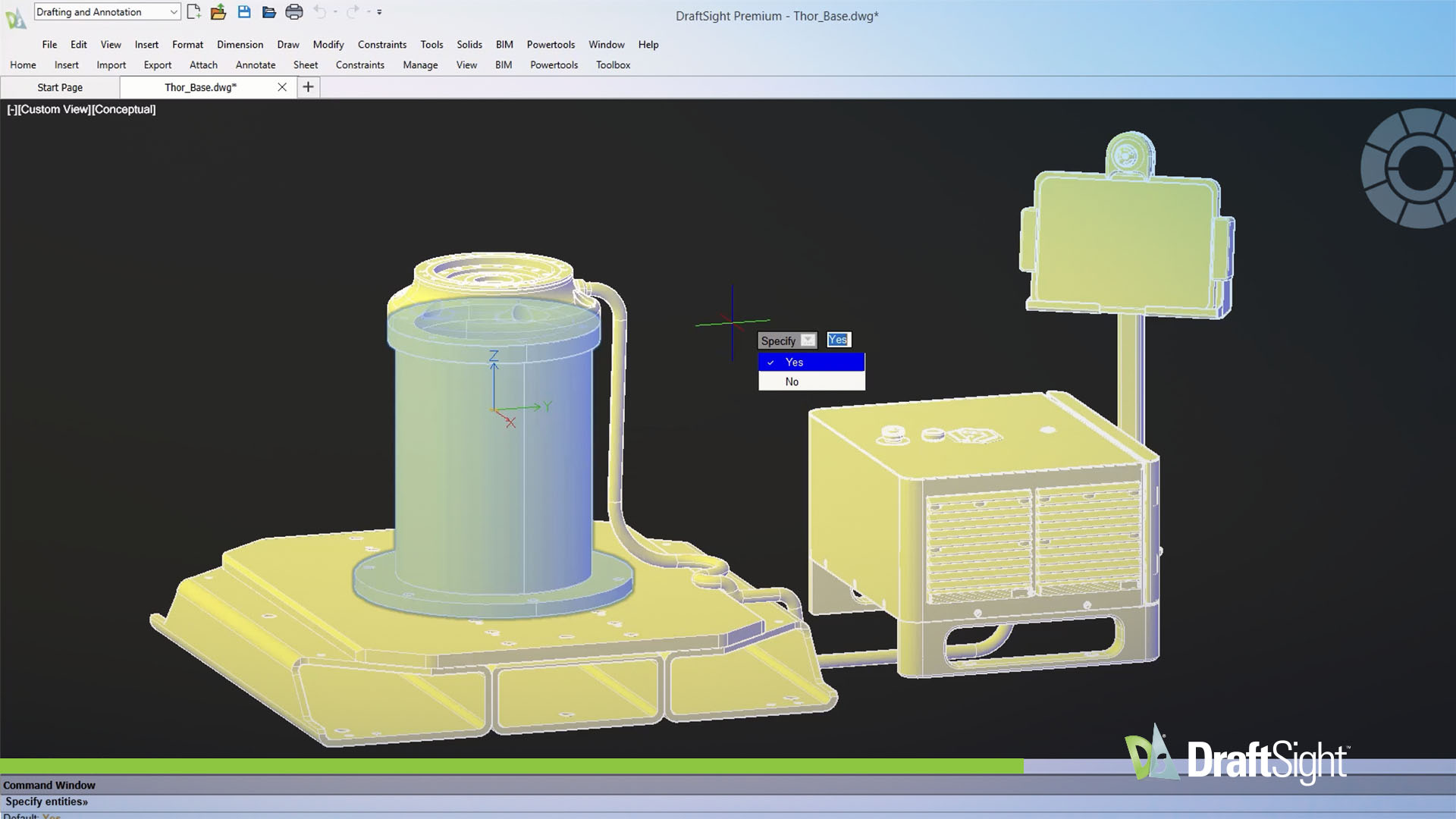
Export 3D solid geometry as STL files for 3D printing and rapid prototyping, without an intermediate file conversion step.
Available in Premium, Enterprise Plus, Mechanical
MVSETUP Command
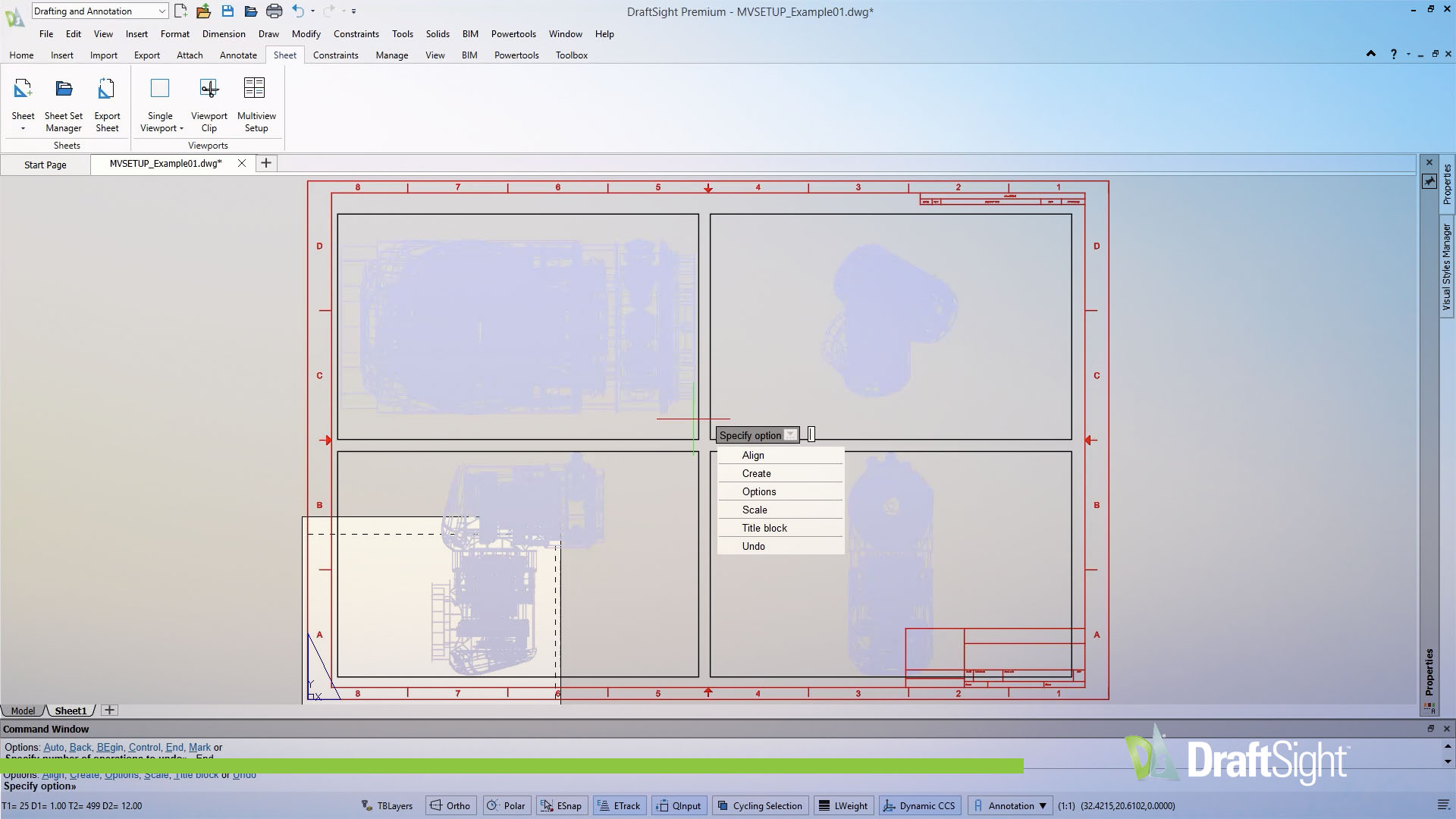
The MVSETUP Command guides you through viewport setup, sheet scaling, and title block alignment. It reduces the manual steps required to prepare drawings for plotting and helps produce consistent sheets every time.
Available in Premium, Enterprise Plus, Mechanical
Multiple Sheet Property Painter
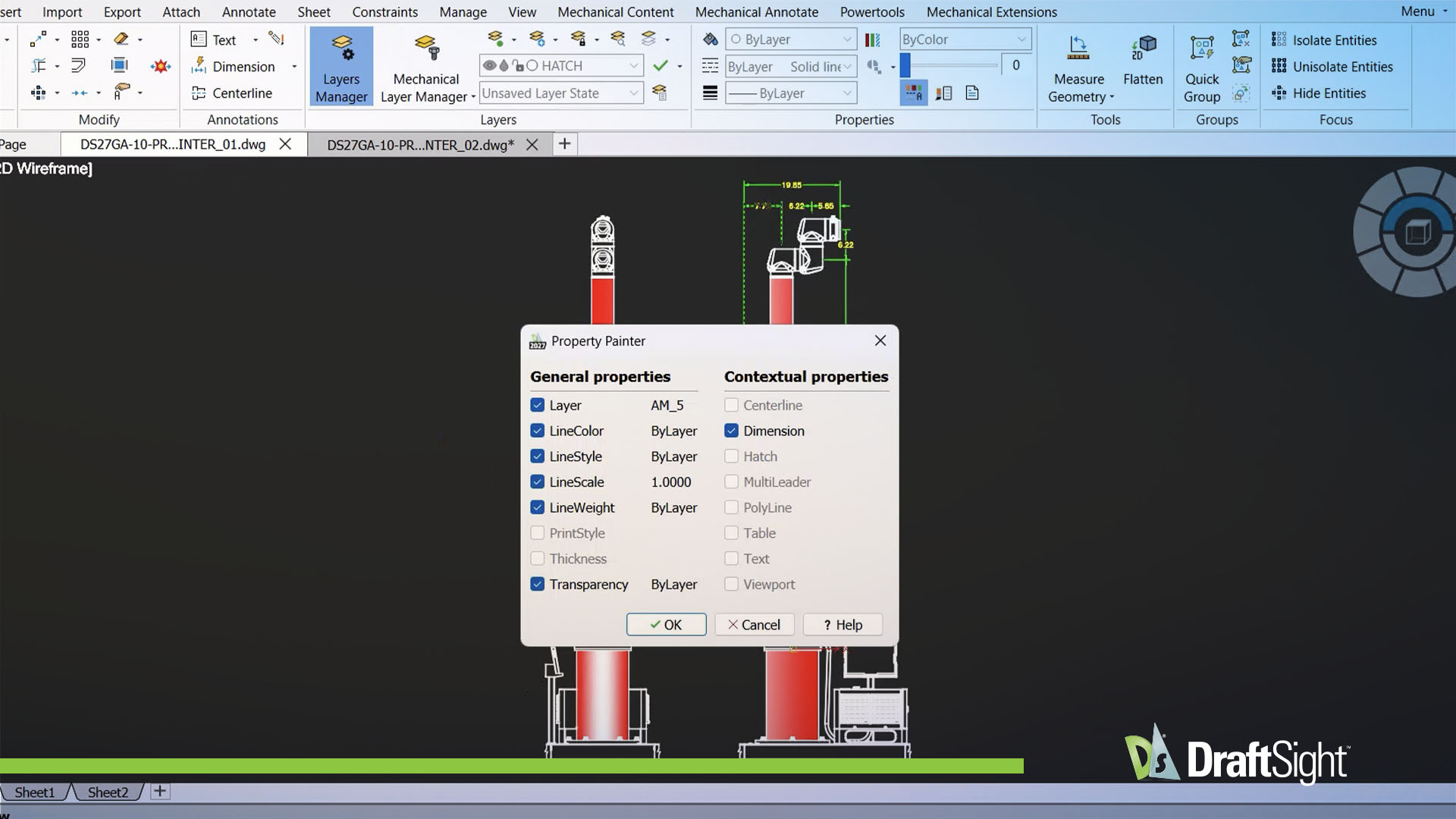
DraftSight's Multiple Sheet Property Painter copies properties between open drawing files in a single operation, so you don't have to update sheets individually. This tool keeps your designs visually consistent by quickly transferring key attributes across entities, including: LineColor, Layer, LineStyle, LineWeight.
Available in Professional, Enterprise, Premium, Enterprise Plus, Mechanical
Associative Pattern Path Option
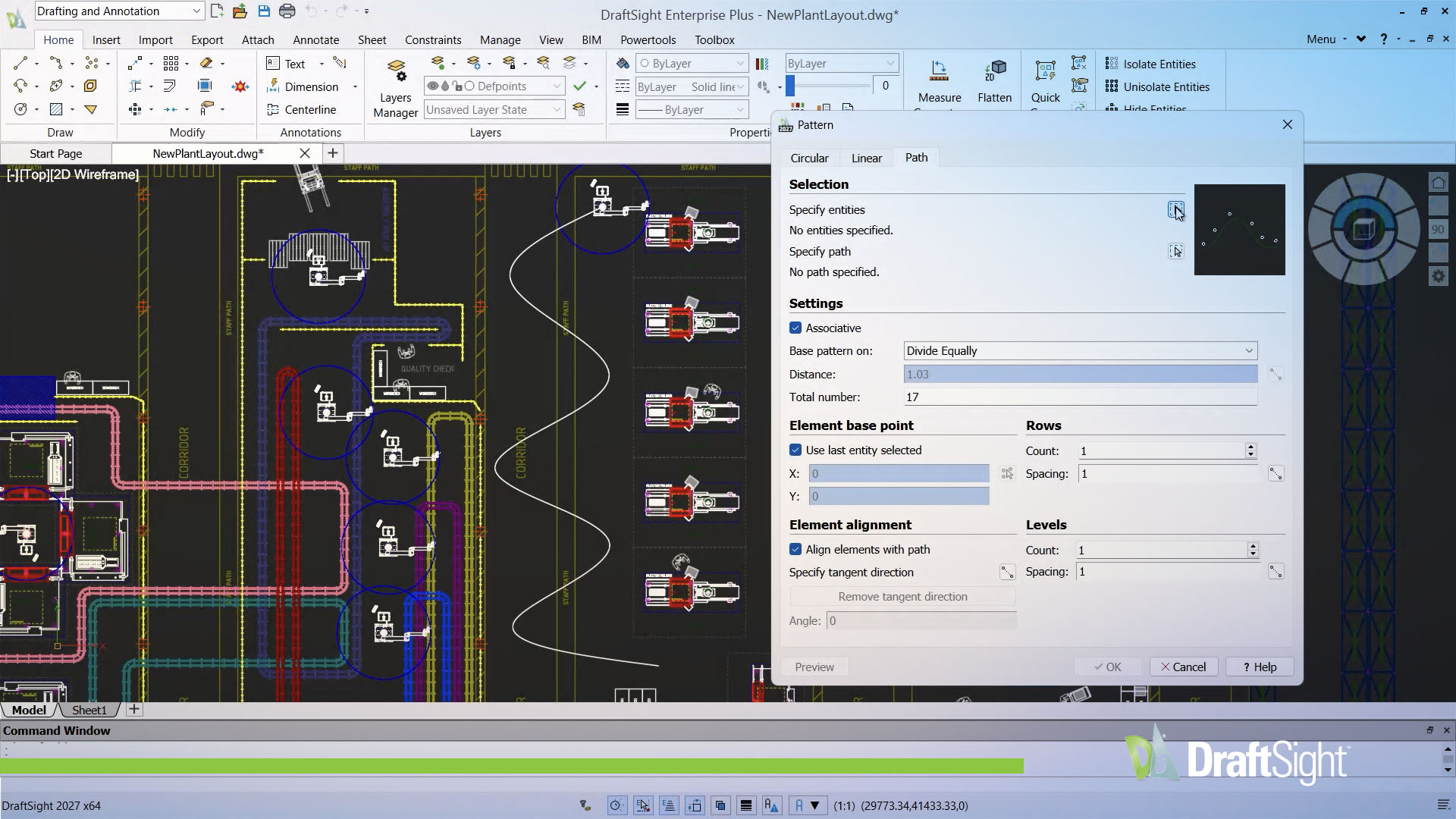
With the associative pattern Path Option, associative patterns stay aligned to a spline path when the path geometry changes. You can adjust the spline geometry, and DraftSight updates the pattern to follow it, without rebuilding the pattern. This saves time on iterative designs where paths shift during drafting.
Available in Professional, Enterprise, Premium, Enterprise Plus, Mechanical
JMTools Integration
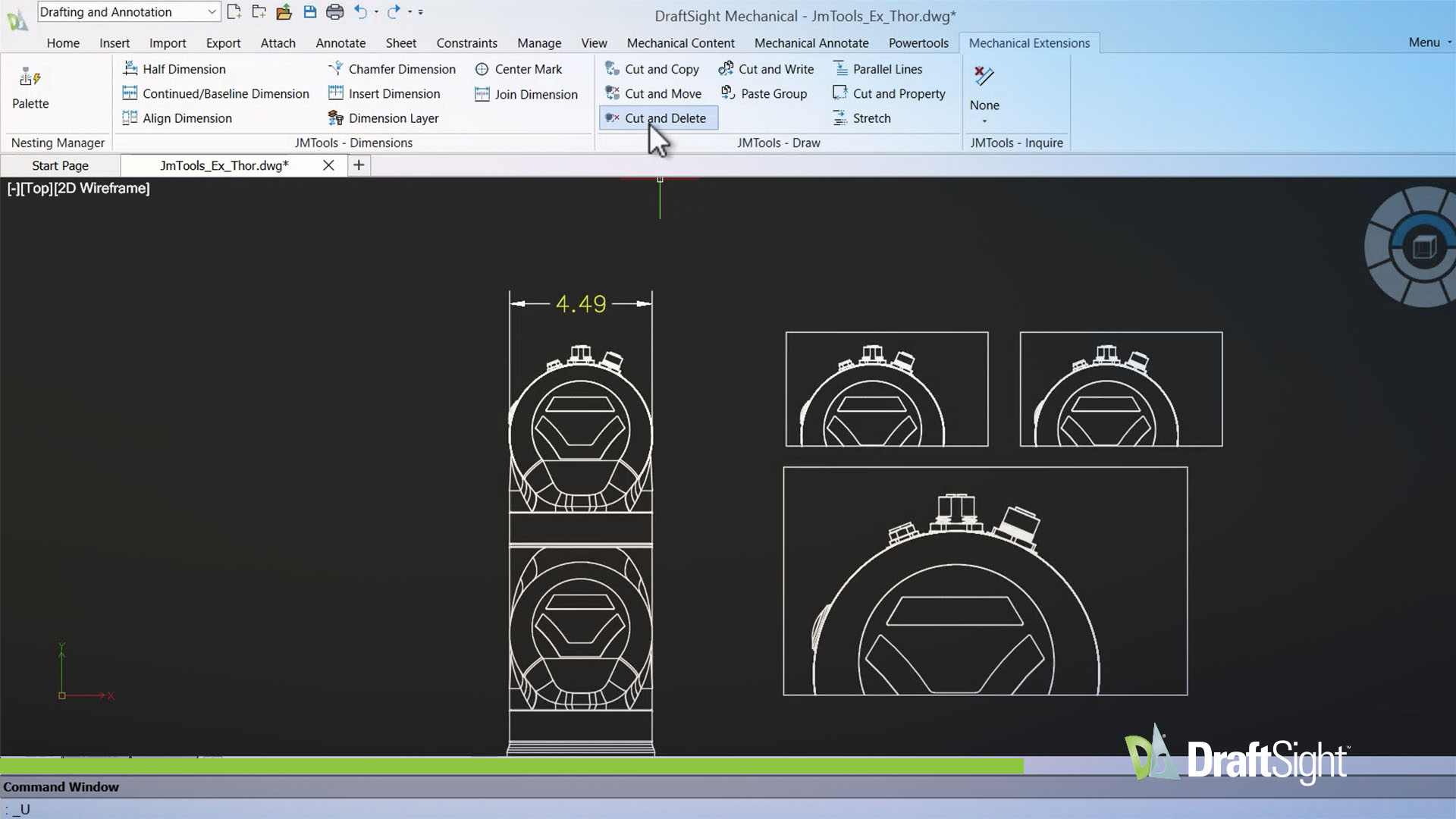
JMTools Integration is a suite of advanced Mechanical Extension tools built directly into DraftSight. It enhances dimensioning, drawing, and inquiry capabilities, giving mechanical designers more control without leaving the application.
Available in Mechanical
Other Enhancements in 2027
| 2027 Enhancements | Professional | Enterprise | Premium | Enterprise+ | Mechanical |
|---|---|---|---|---|---|
| XREF Notification | |||||
| Automatic post-crash restart | |||||
| Disabling Read-Only Alerts | |||||
| Export STL Files | |||||
| DATEXTRACTION: XLSX Support | |||||
| FIELD Command: Formula FIELD Support | |||||
| SMARTCALCULATOR Palette | |||||
| Viewport Lock/Unlock Status Toggle | |||||
| Line-Style Grid Display | |||||
| Optimizing the RELOAD- FROM Function |