2D Landscape Design Software
Impress your clients with detailed 2D and 3D landscape designs that bring your creativity to life.
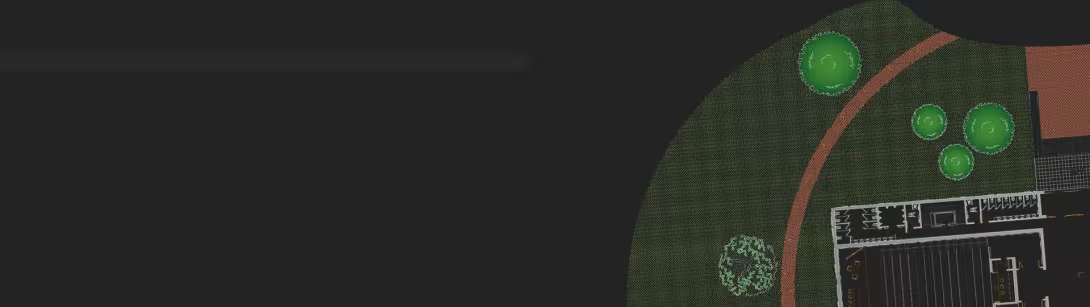
What Is 2D Drawing Software for Landscape Architecture?
The need for landscape architects and designers is growing as commercial and residential real estate owners look to improve their properties. Plus, many homeowners are taking on their own projects. Both businesses and individuals need straightforward 2D drawing software for landscape architecture that can help them:
- Visualize plants, trees, outdoor furniture, water features and more
- Plan grading and drainage
- Create layouts and determine the materials needed
- Build and share construction details
- Import and edit images, models, PDFs and CAD drawings
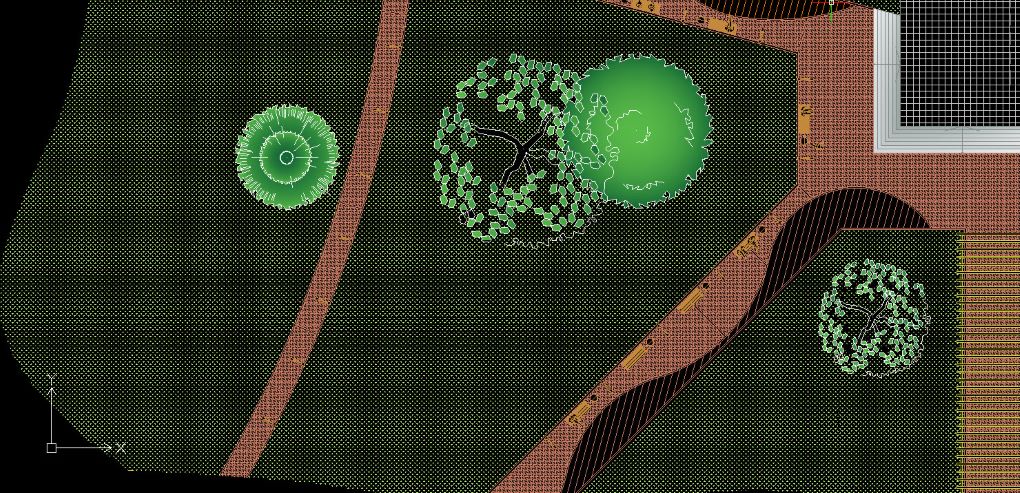
How Can Landscape Architecture CAD Software Benefit You?
Today’s landscape architects and designers want to create modern, functional and sustainable plans that make their customers happy – because when the customer is happy, you get referrals, repeat business and more won proposals. But your 2D landscape design software should also drive efficiency on the backend by helping you:
Collaborate on Projects
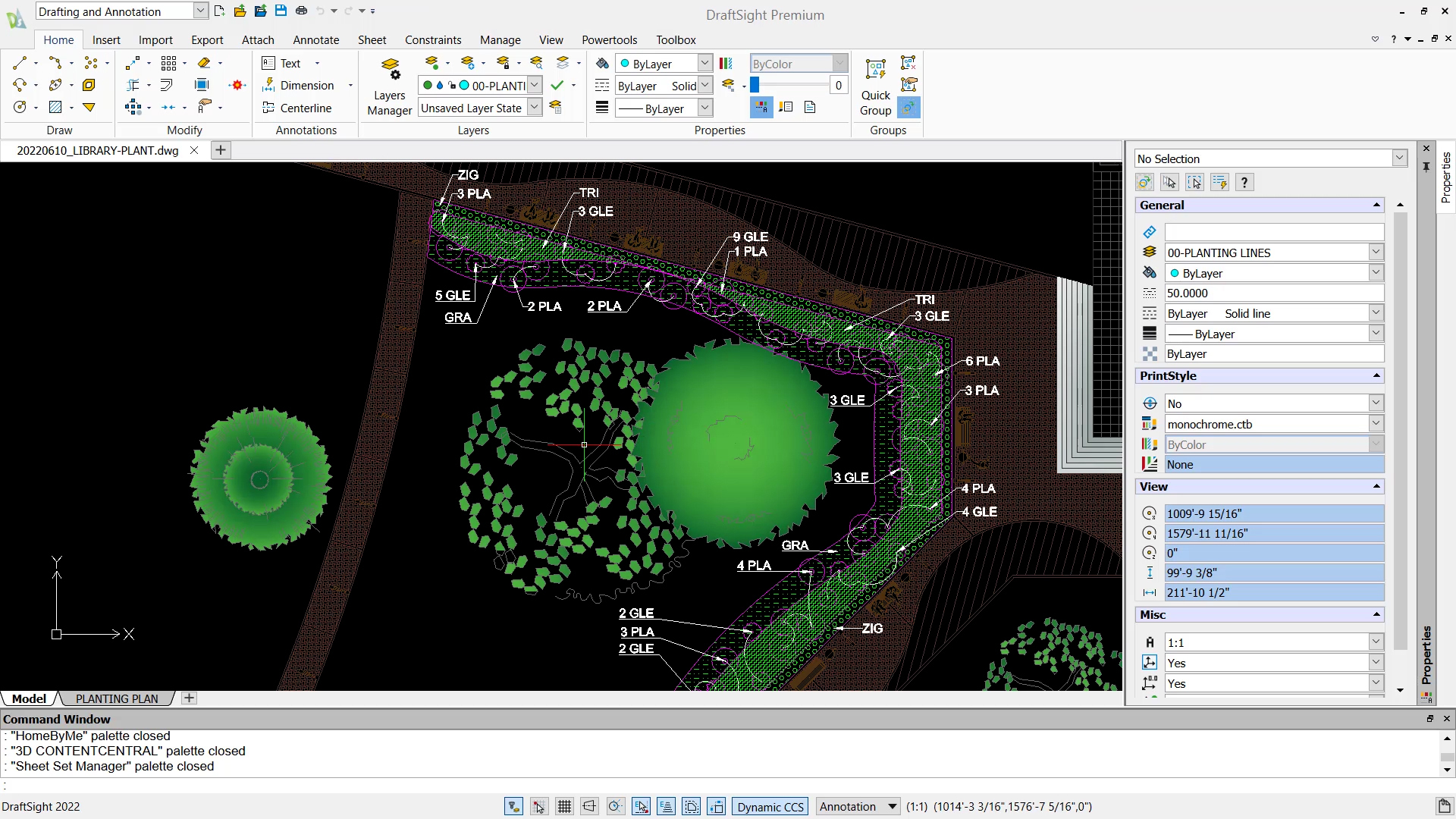
Landscape designers are artists, but there are also other stakeholders that need to have their say. 2D landscape drawing software lets you easily collaborate and share designs with clients and employees. That means you can make better decisions faster, keep everyone informed and stay organized.
Create Impressive Designs
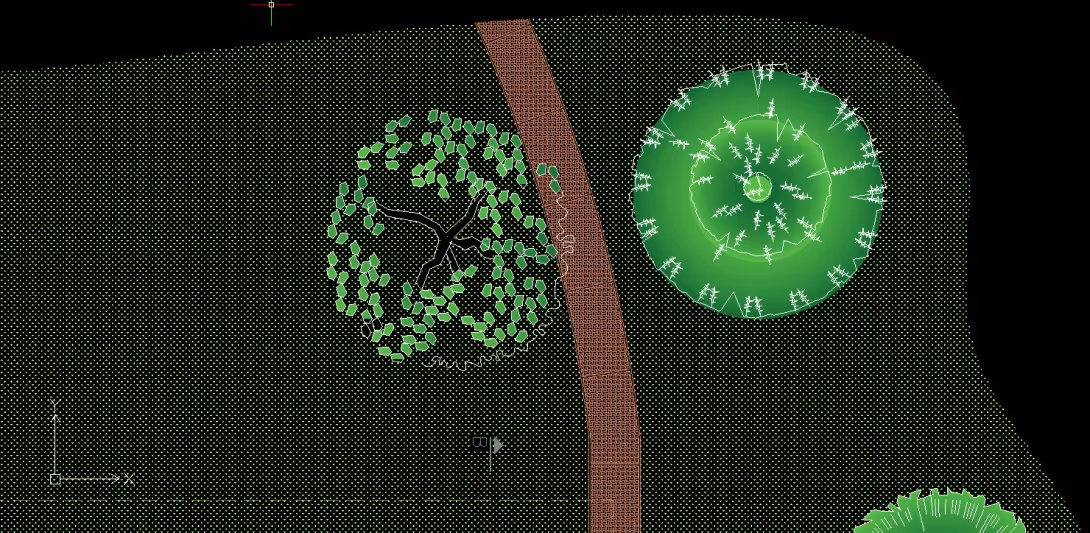
Where before you may have used trace paper and colored pencils, you can now create sophisticated, realistic designs and drawings with a computer. 2D landscape design software brings your vision to life like never before, helping your clients – plus surveyors, engineers and builders – see exactly what you have in mind.
Produce Drawings Fast
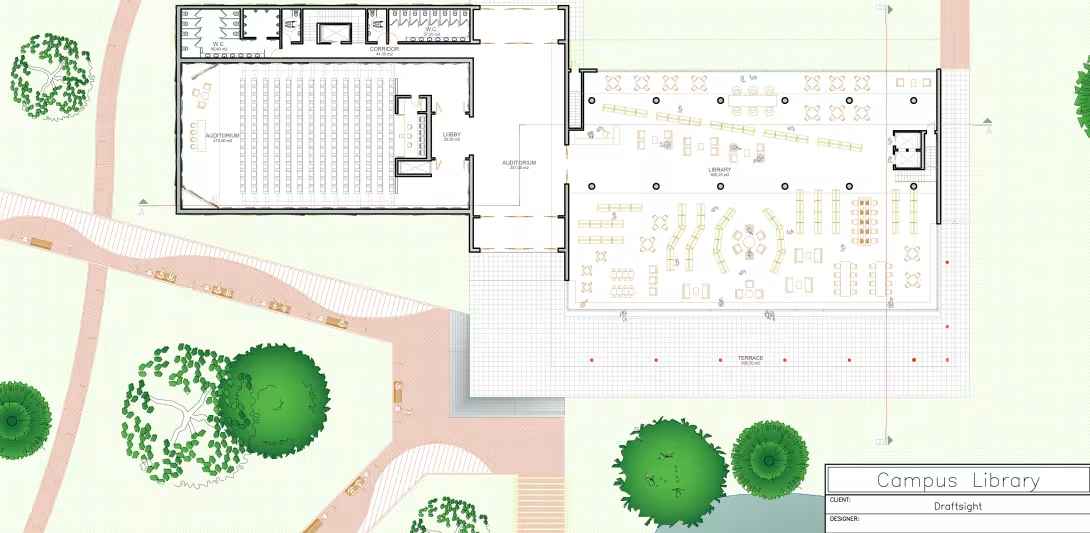
You don’t need to sacrifice accuracy and quality to produce drawings quickly. Learning how to create a landscape design in CAD is easy, especially with the right drawing software. Features that let you add common design elements, save and reuse drawings and use your existing shortcuts, customizations and 2D landscape architecture blocks help eliminate the up-front groundwork.
Why Choose DraftSight’s Professional Landscape Design Software
Flexible
Things change quickly in landscape design. The ability to easily make revisions and size, scale and reuse drawings is key.

User-Friendly
Landscape architects want to spend their time creating, not fighting with software. A seamless integration goes a long way.

Powerful
Free landscape design software may be tempting, but it won’t have the robust tools and automations your business really needs.

Best CAD Program for Landscape Architects
DraftSight is one of the most popular CAD programs for landscape architecture. Our 2D landscape design software provides sophisticated capabilities in a simple format.

Efficient
- Create, edit, view and mark up any DWG file and other file formats
- Set standard scales and fonts with Text Styles
- Speed up the process with Auto Dimensioning and Mouse Gestures
- Accelerate your projects with customizable APIs

Intuitive
- Jump right in with a trusted, familiar interface and common commands
- Use your existing blocks, customizations, LISP routines and Script files
- Integrate with SOLIDWORKS and your existing processes

Scalable
- Expand team access to CAD by purchasing more seats with lighter hardware requirements
- Get comparable or greater capabilities than other landscape design apps, with the flexibility of network licensing and support as you grow
DraftSight’s Features for Landscape Architecture CAD
See Why Landscape Architects Choose DraftSight
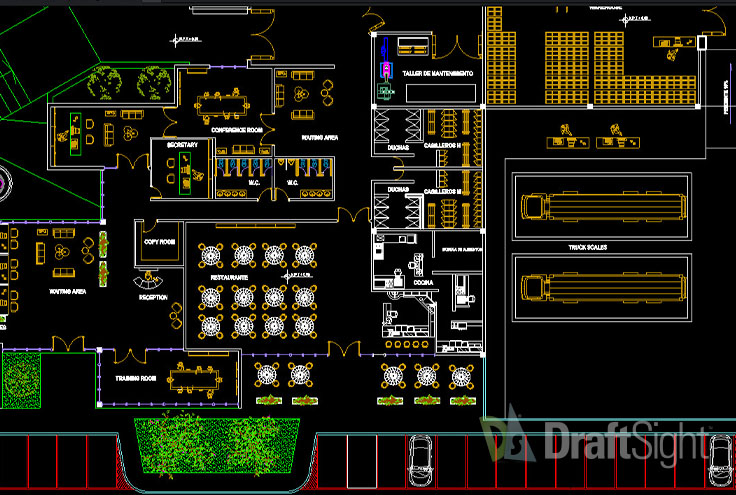
Advanced 2D drafting and 3D design
Our capabilities go beyond 2D CAD drafting for landscape architecture. See what we can do for your business today.
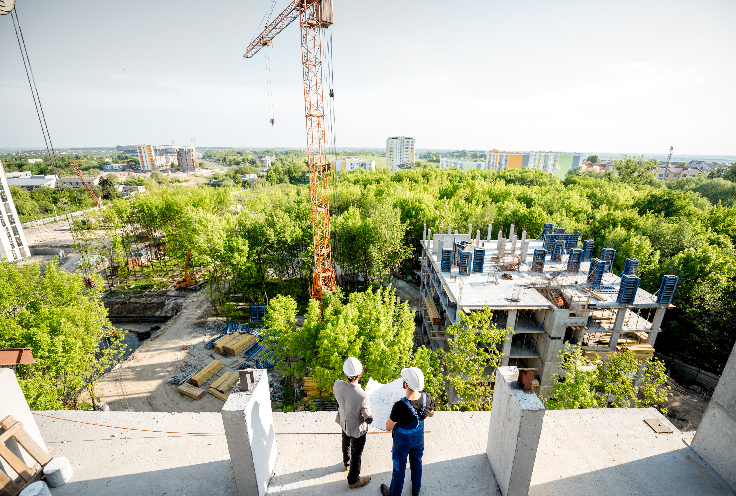
Cloud Collaboration
Communication is essential for landscape architects. Explore our cloud solution to see how we help you collaborate.